
This article may contain affiliate links. We may earn a commission at no additional cost to you; this does not determine our editorial conclusions.
Choosing content marketing software is difficult because most platforms are presented as all-in-one solutions. In practice, teams usually need a small stack of focused tools connected by a clear workflow. The right choice depends less on the number of features and more on where work currently slows down: research, production, approval, distribution, optimization, or measurement.
This guide explains how to build a practical content marketing stack without paying for overlapping tools. It is designed for small businesses, in-house marketing teams, agencies, and creators who need a repeatable way to plan, produce, distribute, and improve content.
Quick recommendations by team type
Solo marketer or small business
Start with four capabilities:
- A planning system for briefs, deadlines, and reusable workflows
- A writing or research assistant that supports rather than replaces editorial judgment
- A visual creation tool for social, email, and website assets
- A measurement platform for search performance and conversions
Avoid buying several specialist platforms before the publishing process is consistent. A simple stack that the team uses every week is more valuable than a complex stack with unused automation.
Growing in-house team
Prioritize collaboration, permissions, shared brand assets, approval stages, and reliable reporting. The team should be able to see who owns each task, which version is approved, where an asset is used, and what result the finished content produced.
Agency or multi-client team
Look for separate client workspaces, repeatable templates, role-based access, exportable reporting, and integrations with the systems clients already use. Review how the platform handles data separation before importing customer information.
Ecommerce team
Connect content planning with product data, email and SMS automation, landing pages, analytics, and campaign attribution. Ecommerce teams should pay particular attention to catalog integrations, audience synchronization, consent handling, and the ability to measure revenue rather than engagement alone.
1. Content planning and research
Planning tools should turn business goals into an executable editorial calendar. Useful capabilities include brief templates, topic grouping, ownership, due dates, approval stages, and a record of why each piece is being created.
Keyword and competitor data can reveal demand, but it should not decide the editorial strategy on its own. Before approving a topic, define:
- The intended reader
- The question or decision the content must support
- The expected search intent
- The evidence or experience the article will contribute
- The next useful action for the reader
For search-led content, tools such as Semrush and Ahrefs can help identify queries, competing pages, links, and technical issues. The final brief should still be written for the reader rather than assembled from keyword counts.
2. Writing and content optimization
AI writing platforms can accelerate outlines, variants, summaries, and repetitive production tasks. They do not remove the need for fact checking, original experience, source review, and a human editorial decision.
Compare writing and optimization tools on:
- Control over tone, terminology, and brand rules
- Source handling and citation workflow
- Collaboration and approval features
- Support for updating existing content
- Export options and integrations
- Privacy and retention controls
- The amount of human editing required before publication
Jasper and Copy AI focus on AI-assisted marketing production, while Surfer and Frase emphasize search research and content optimization. These categories overlap, so test the real workflow before subscribing to several products.
For a practical optimization process, see the guide to finding and improving underperforming content.
3. Design and video production
Content teams need a repeatable way to turn one idea into article graphics, social posts, presentations, ads, and video. The most useful design platform is usually the one that protects consistency while allowing non-designers to work safely.
Review template controls, brand libraries, collaboration, export quality, accessibility support, and how easily finished assets can be reused. Canva is a common choice for template-based production, but teams with advanced editing or motion requirements may need specialist tools alongside it.
For AI video, compare output quality, motion realism, editing control, commercial usage terms, generation speed, and how consistently the platform follows a brief. The PixVerse vs Runway vs Kling comparison examines those tradeoffs for marketing teams.
4. Distribution and marketing automation
Publishing is only the midpoint of the workflow. Distribution tools help adapt content for email, social channels, campaigns, and customer journeys.
Email platforms should be compared on:
- Audience and consent management
- Segmentation
- Automation builder
- Template and testing workflow
- Deliverability controls
- Reporting and attribution
- Ecommerce or CRM integrations
Mailchimp provides broad email marketing capabilities, ActiveCampaign combines email automation with CRM-oriented workflows, and Klaviyo is centered on ecommerce email and SMS use cases. The best option depends on the customer data available and the journeys the team can realistically maintain.
5. Measurement and experimentation
A content stack should answer three questions:
- Did the intended audience discover the content?
- Did they find it useful enough to continue?
- Did it contribute to a meaningful business outcome?
Use search performance, analytics, CRM or ecommerce results, and qualitative feedback together. Avoid judging articles only by page views. A low-volume comparison page may create more commercial value than a broad informational article with high traffic.
Experimentation tools can help test headlines, calls to action, page structure, and creative variants. Before automating decisions, confirm that the test has a clear hypothesis, sufficient traffic, trustworthy event tracking, and a predefined success metric. The guide to AI A/B testing tool features explains the capabilities and safeguards to compare.
6. How to choose tools without creating overlap
Create a one-page scorecard for every shortlisted platform. Score each item from one to five:
| Criterion | What to evaluate |
|---|---|
| Workflow fit | Does it remove a real bottleneck? |
| Output quality | How much correction is required? |
| Collaboration | Can the right people review and approve work? |
| Integrations | Does it connect to systems already in use? |
| Measurement | Can the team verify the result? |
| Data handling | Are permissions, retention, and consent appropriate? |
| Total cost | Include seats, usage limits, training, and migration |
| Exit options | Can content and data be exported cleanly? |
Run a short pilot using a real campaign. Do not evaluate only the onboarding demo. Record the time saved, errors introduced, adoption by the team, and measurable improvement in output or performance.
7. A practical implementation sequence
- Map the current workflow from idea to measurement.
- Identify the single largest recurring bottleneck.
- Define the capability needed to remove it.
- Shortlist no more than three platforms.
- Test them with the same real task and scorecard.
- Document ownership, approval, and measurement before rollout.
- Review usage and results after 30 and 90 days.
Audit the handoff, not just the subscription list
Two tools with similar features are not necessarily redundant. One may be required by a client or hold an approval history that the other cannot replace. Before making a purchasing decision, follow one piece of content from brief to publication and record each handoff.
Use five fields: task, system of record, owner, next recipient and evidence of approval. For example, a hypothetical small team might keep the brief in a shared document, the original graphic in a design workspace and the approved social text in a scheduling tool. The problem is not the use of three systems. The problem arises when nobody knows which version is final.
During the next campaign, record each time someone must copy information, request access, reformat an asset or search for an approval. Note why it happened. A repeated copy step may justify an integration; a missing approval owner usually needs a process decision first.
Then classify each issue:
- Ownership gap: nobody is responsible for the next step.
- Version gap: the approved asset cannot be identified.
- Capability gap: a necessary task cannot be completed reliably.
- Access gap: the right person lacks appropriate permission.
- Measurement gap: the published asset cannot be connected to a useful outcome.
Assign an owner and a small proposed fix to the most frequent issue. Do not cancel subscriptions, transfer customer data or change account access merely because this worksheet suggests overlap. Those decisions need their own review, including export options and ongoing dependencies.
Repeat the same walkthrough after the next campaign. If the handoff has become clearer and less error-prone, the improvement is meaningful even when the number of tools has not changed.
Final recommendation
Build the smallest stack that supports the entire content lifecycle. Choose tools because they improve a defined workflow, not because they have the longest feature list. Keep editorial responsibility, measurement, and data governance with the team, and add automation only when the underlying process is already clear.
Browse the complete marketing tools directory to compare platforms by category and use case.

We research and organize marketing software around practical use cases. Product claims are included only when supported by available sources.
Read our editorial policy →Related guides

Black Friday Tracking Blind Spots: How Cookie Consent Affects Marketing Data and Attribution
Black Friday tracking blind spots can make campaign performance harder to interpret at exactly the time marketers need reliable data most. Ecommerce brands may see orders and leads increasing while analytics, advertising platforms, and other marketing systems provide an incomplete picture of which campaigns actually influenced those conversions. That doesn’t necessarily mean something is broken. […]
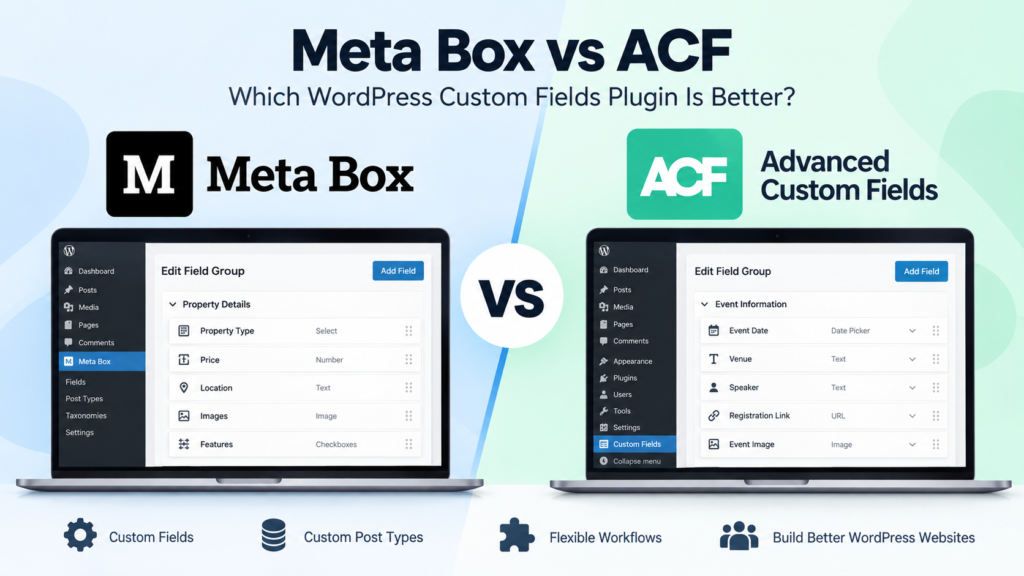
Meta Box vs ACF: Which WordPress Custom Fields Plugin Is Better in 2026?
Meta Box vs ACF is a common comparison when a WordPress website starts needing more flexibility than the standard post and page editor provides. Both plugins let you create custom fields, organize structured information, and build more dynamic WordPress websites without forcing everything into the main content editor. The differences become more important as the […]
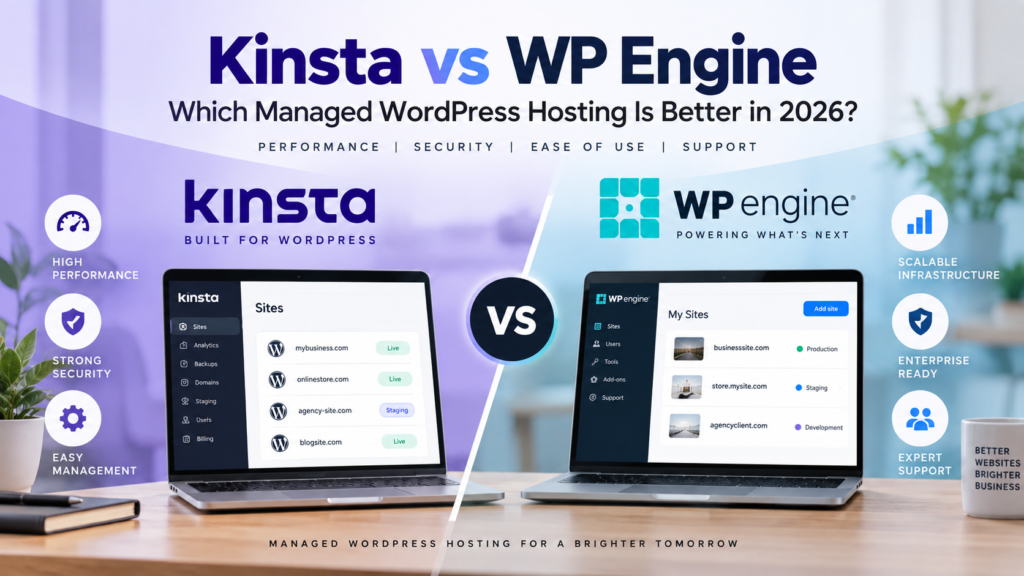
Kinsta vs WP Engine: Which Managed WordPress Hosting Is Better in 2026?
Kinsta vs WP Engine is a comparison you’re likely to come across when looking for managed WordPress hosting. Both take care of much of the technical work that comes with running WordPress, including performance optimization, security, backups, updates and staging environments. The difference is less about whether either platform can host a WordPress site and […]