
This article may contain affiliate links. We may earn a commission at no additional cost to you; this does not determine our editorial conclusions.
Looking for sci-fi ebook templates in 2024? Here’s what you need to know:
- Templates save time and make your book look professional
- Free options work for beginners, paid templates offer more features
- Choose based on your genre, budget, and publishing platform
Quick comparison of top options:
| Template | Price | Best For | Key Feature |
|---|---|---|---|
| Canva | Free/$12.95/mo | Beginners | Easy to use |
| Adobe InDesign | $20.99/mo | Pros | Full control |
| Enceladus | $45 one-time | Sci-fi/thriller | Genre-specific |
| Atticus | $147 one-time | All genres | Lifetime updates |
Top tips:
- Match template to your sci-fi subgenre (e.g., cyberpunk, space opera)
- Consider offering both ebook and print versions
- Test templates before buying
- Ensure compatibility with your publishing platform
Remember: A good template is an investment in your book’s success.
Related video from YouTube
Free Templates
Let’s explore three free sci-fi ebook template packages that’ll make your book design pop without costing you a dime.
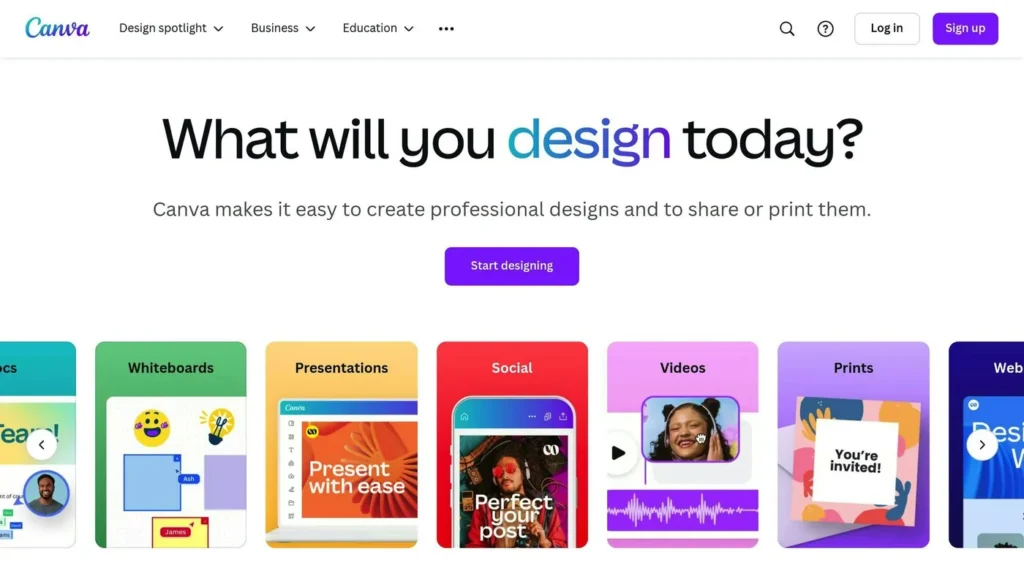
Canva‘s Cosmic Collection
Canva’s free sci-fi book cover templates are a breeze to use:
- Drag-and-drop interface
- Customizable typography and graphics
- Cosmic-inspired themes
You can upload your own illustrations to make your cover unique. Want that alien landscape you’ve been imagining? Go for it!
| Feature | What You Get |
|---|---|
| File Formats | JPEG, PNG, PDF |
| Stock Images | 1 million+ |
| Collaboration | Real-time team editing |
| Social Sharing | Direct to social media |
Venngage‘s Sci-Fi Showcase
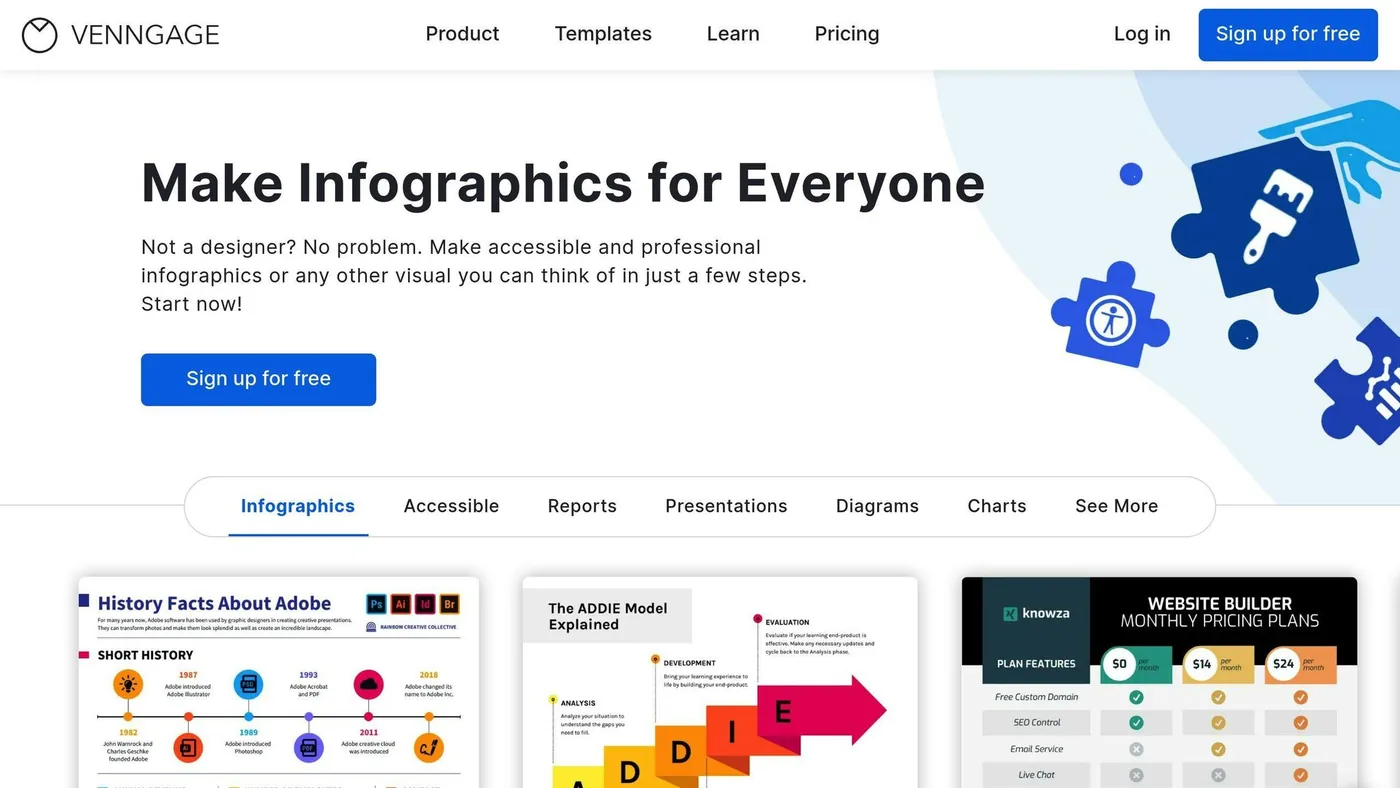
Venngage offers templates for various sci-fi subgenres:
- Meets professional publishing standards
- Customizable fonts, colors, and images
- Works for both newbies and pros
Start with a template that fits your story’s theme, then tweak it to match your unique sci-fi world.
PosterMyWall‘s Sci-Fi Extravaganza
PosterMyWall has over 220 free sci-fi Kindle book cover templates:
- Multi-purpose designs (covers, flyers, social media)
- Quick to create
- Stand out in the crowded ebook market
The best part? You can create matching promo materials for consistent branding across all your marketing efforts.
| Template Use | Why It’s Great |
|---|---|
| Book Cover | Pro look for your ebook |
| Social Media | Consistent brand image |
| Promo Flyers | Offline marketing tools |
These free templates are your ticket to eye-catching sci-fi book designs. Pick one, customize it, and watch your ebook stand out in the digital universe.
Paid Templates
Want to level up your sci-fi ebook? Let’s check out some premium templates that pack a punch with advanced features and publishing tools.
Enceladus: Sci-Fi’s Best Friend
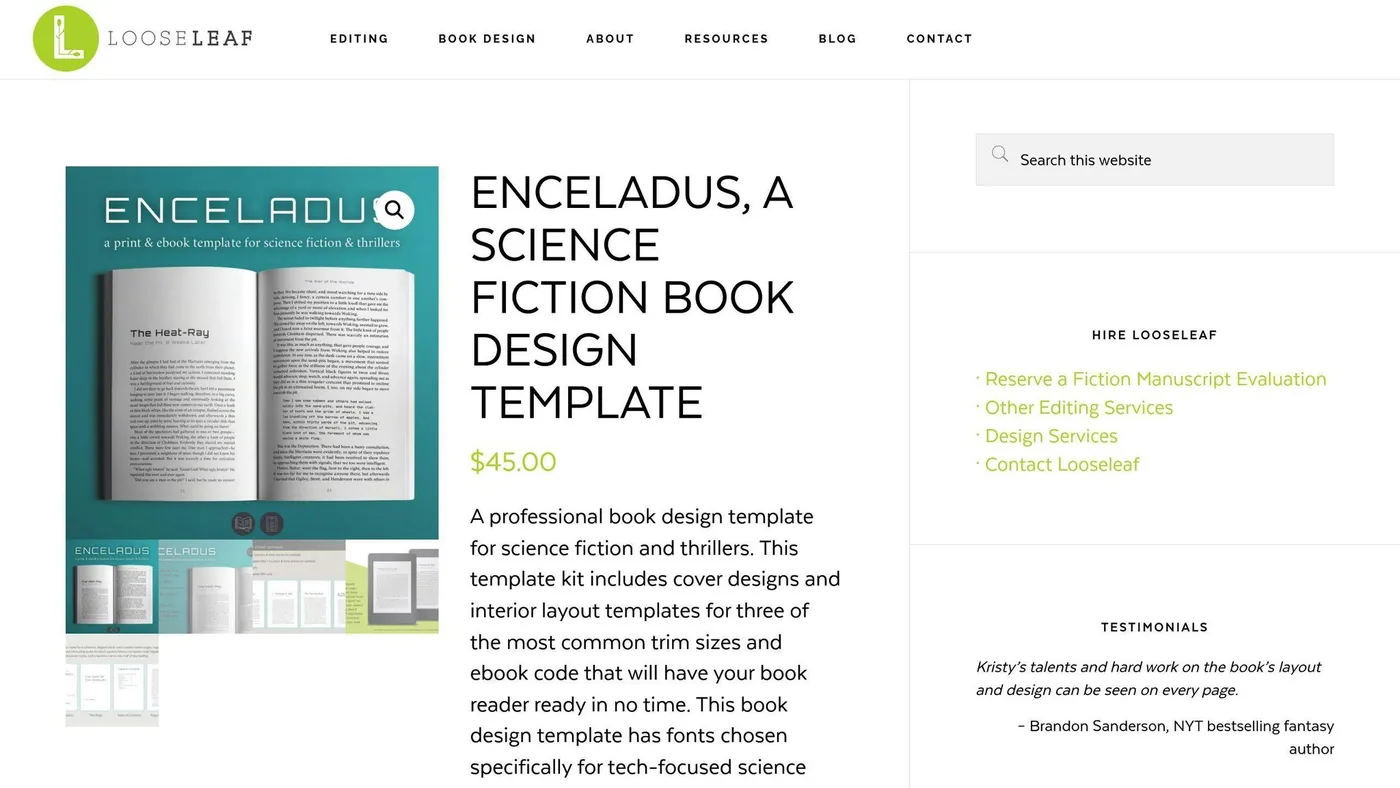
Enceladus is a $45 template built for sci-fi and thriller authors. Here’s what you get:
- Cover designs and layouts for 3 trim sizes
- Ebook kit for easy EPUB export
- Special text options for poetry, songs, letters, and more
Plus, all fonts are open source. Use them anywhere without worry.
“Enceladus helped bring my sci-fi world to life”, says bestselling author Charlie N. Holmberg.
Adobe InDesign: The Pro’s Choice
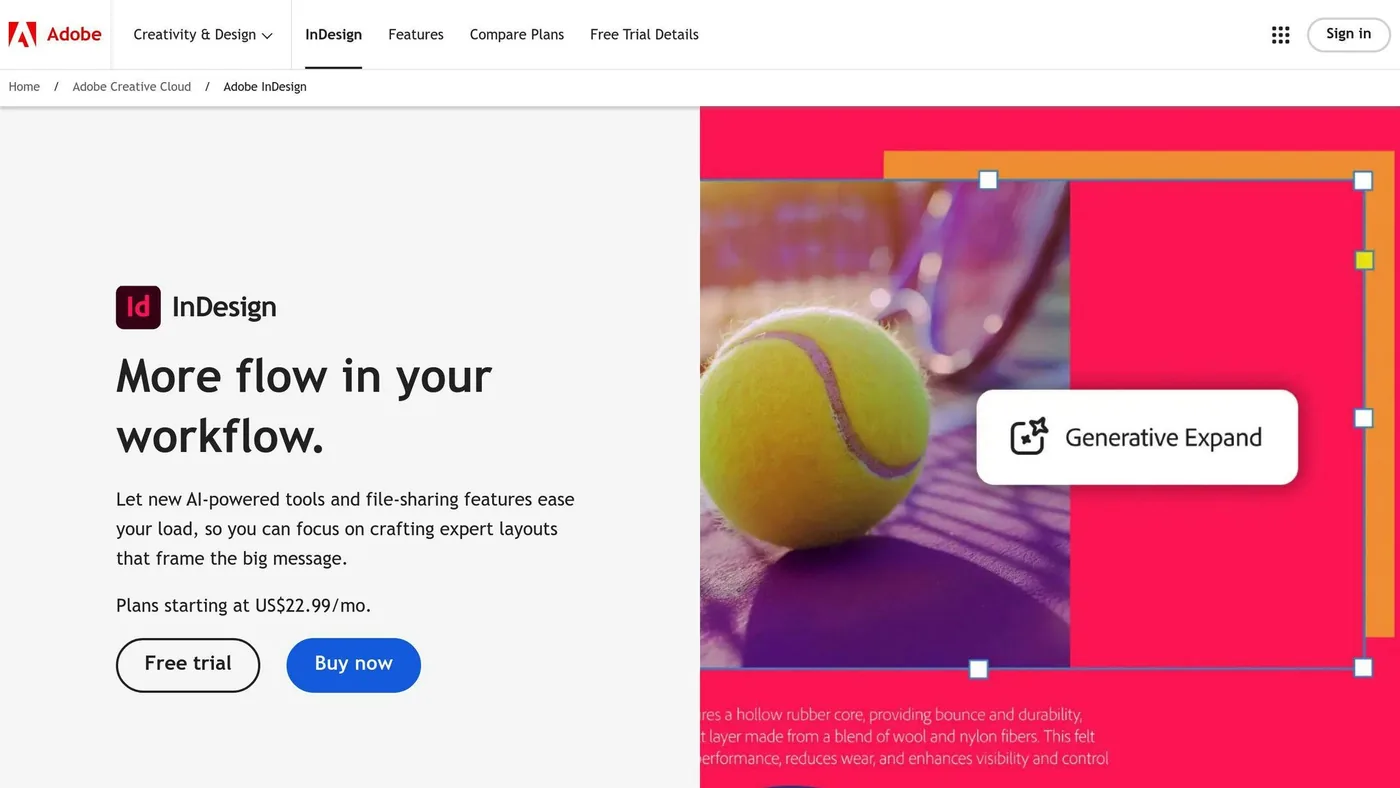
InDesign is for authors who want total control. At $24.71/month, it’s not cheap, but it’s powerful:
- Pro-level layout tools
- Works with other Adobe apps
- Add links, forms, buttons, and even video
It’s complex, but it’s what the big publishing houses use.
Atticus: The Swiss Army Knife
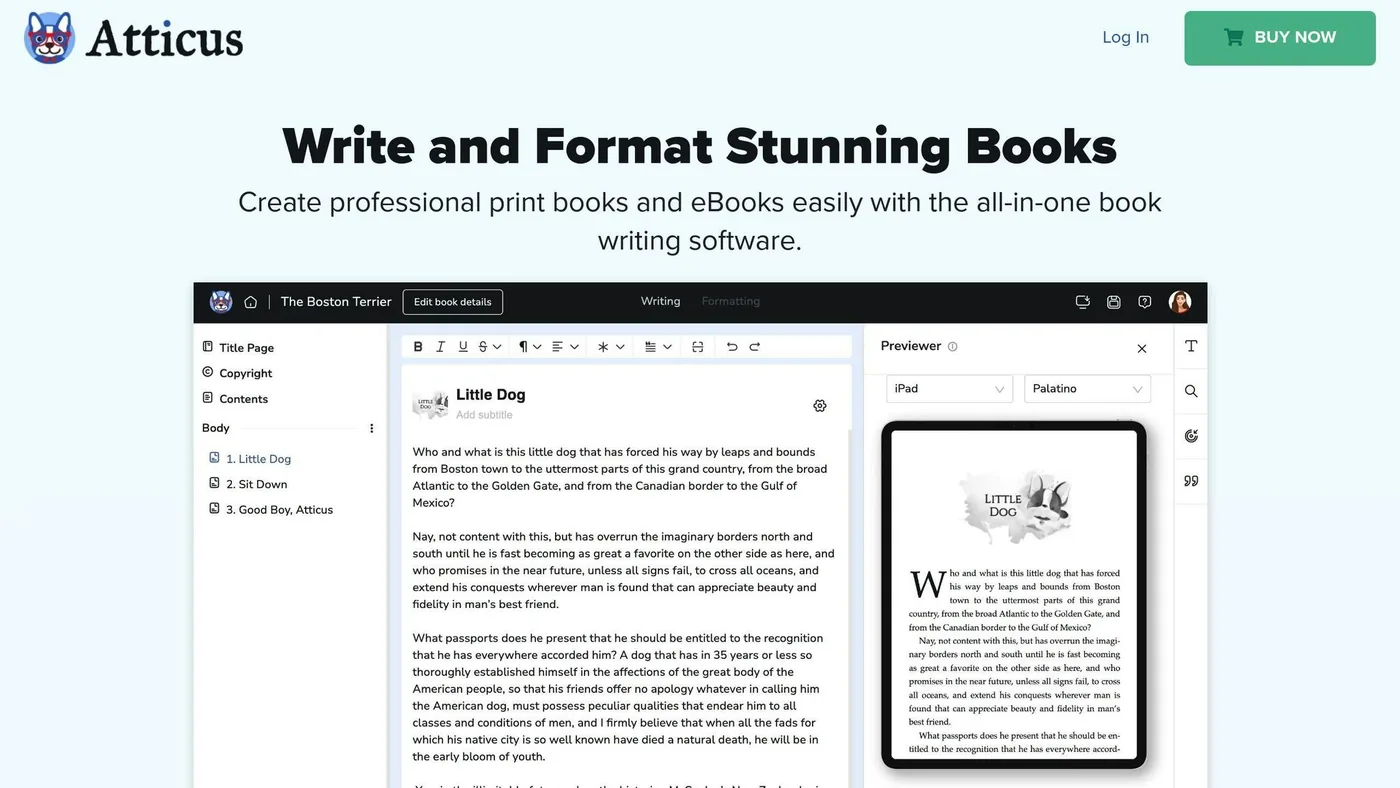
Atticus costs $147 once, and you get:
- All features and updates for life
- 17+ premade templates
- Tools to make your own themes
Here’s how they stack up:
| Feature | Enceladus | Adobe InDesign | Atticus |
|---|---|---|---|
| Price | $45 (once) | $24.71/month | $147 (once) |
| Best for | Sci-Fi/Thriller | Any genre | Any genre |
| Customization | Some | Lots | Lots |
| Easy to learn? | Yes | No | Kind of |
| Updates | ? | Always | Forever |
Getting the Most from Your Template
No matter which one you pick:
- Read the manual. Seriously.
- Don’t go crazy with changes. These templates are pro-designed for a reason.
- Use customer support if you’re stuck.
- If design isn’t your thing, some places offer cheap typesetting when you buy their templates.
sbb-itb-645e3f7
Template Features at a Glance
Let’s compare our top sci-fi ebook templates side-by-side. This breakdown will help you pick the right template for your needs and budget.
| Feature | Canva | Adobe InDesign | Enceladus | Atticus |
|---|---|---|---|---|
| Price | Free or $12.95/month | $20.99/month | $45 (one-time) | $147 (one-time) |
| Best for | Beginners | Professionals | Sci-Fi/Thriller authors | All genres |
| Ease of use | Very easy | Complex | Easy | Moderate |
| Customization | High | Very high | Moderate | High |
| File formats | JPEG, PNG, PDF | EPUB, PDF | EPUB, PDF | EPUB, PDF, MOBI |
| Stock images | 1 million+ | Limited | Not included | Not included |
| Collaboration | Yes | Yes | No | No |
| Updates | Regular | Monthly | Unknown | Lifetime |
| Support | Community forums | 24/7 support | Limited | Email support |
Canva is a breeze to use and packed with stock images. One user said, “I whipped up a pro-looking sci-fi cover in under an hour, and I’m no designer!”
Adobe InDesign gives you total control – if you’re willing to learn it. It’s the top pick for many publishers because of its advanced layout tools.
Enceladus is built for sci-fi authors. Bestselling author Charlie N. Holmberg raved, “Enceladus brought my sci-fi world to life.”
Atticus hits the sweet spot between easy and powerful. Plus, you get lifetime updates for a one-time fee – great for authors who crank out books.
When picking your template, think about:
- Budget: Canva’s free option can work wonders, but paid templates often pack more punch.
- Time: If you’re in a rush, go for user-friendly options like Canva or Atticus.
- Control: Want to tweak every little detail? Adobe InDesign is your best bet.
- Genre needs: Writing sci-fi? Enceladus has cool features like alien language text options.
- Long-term value: Planning to write lots of books? Atticus’s lifetime updates could save you cash down the road.
How to Choose the Right Template
Picking a sci-fi ebook template doesn’t have to be rocket science. Here’s how to find one that’ll make your book pop:
Know Your Format
First, decide: ebook, print, or both? Each has its perks:
| Format | Pros | Cons |
|---|---|---|
| Ebook only | Cheaper, easy updates, market testing | Limited design, not for image-heavy books |
| Print only | Tangible, great for art books | Pricier, hard to update |
| Both | Wide reach, reader flexibility | More formatting work, higher upfront costs |
Sci-fi fans love ebooks, but print still rules the market. Why not offer both?
Match Your Genre
Sci-fi’s a big universe. Your template should fit your corner of it:
- Hard sci-fi? Go for clean, techy designs.
- Space opera? Think epic, sweeping visuals.
- Cyberpunk? Gritty, neon-tinged layouts are your friend.
- Post-apocalyptic? Keep it stark and minimalist.
Budget Wisely
Free templates work, but paid ones pack more punch:
| Option | Price | Best For |
|---|---|---|
| Free | $0 | Tight budgets, newbies |
| Basic Paid | $20-$50 | A step up from free |
| Premium | $100-$300 | Multi-book authors |
A good template’s an investment. As Brandon Sanderson says, “A professional look can make all the difference in reader perception.”
Customization: How Much Control?
- Drag-and-drop (like Canva): Easy but limited
- Moderate (like Atticus): Good balance
- Full control (like Adobe InDesign): Steep learning curve, ultimate flexibility
Platform Compatibility
Make sure your template plays nice with your publishing platform. Using KDP? Look for MOBI or EPUB exports.
Think Series
Got a saga in mind? Pick a template you can use across books. It’s a time-saver and builds your brand.
Test Drive
Many providers offer free trials. Take ’em for a spin before you buy.
Setup and Usage Guide
Let’s get your sci-fi ebook template ready for launch. No rocket science required!
Choosing Your Format
Ebook, print, or both? Here’s the lowdown:
| Format | Pros | Cons |
|---|---|---|
| Ebook only | Easy updates, cheaper | Fewer design options |
| Print only | Physical product, great for artwork | Pricier to produce |
| Both | Wider audience, reader choice | More formatting work |
Sci-fi fans love ebooks, but print still has a following. Why not offer both?
Template Setup
1. Download and Install
Grab Kindle Create (free from Amazon) or buy Atticus ($147 one-time fee) from their websites.
2. Import Your Manuscript
Kindle Create:
- Click “Create New”
- Pick your Word doc
- Let it analyze chapters
Atticus:
- Make a new project
- Import your manuscript
- Tag chapter headings
3. Apply Styles
Use pre-set styles for:
- Title
- Subtitle
- Chapter headings
- Body text
Formatting Tips
- Add page breaks between chapters
- Set 1″ margins (plus 0.125″ bleed for full-page images)
- Use Times New Roman or Arial, 11-12pt
Adding Sci-Fi Flair
1. Alien Languages: Some templates (like Enceladus) have special alien text formatting.
2. Tech Diagrams: Drop in futuristic tech or alien world images. Easy to do in Kindle Create.
3. Star Maps: Include high-res galaxy maps for both ebook and print.
Fixing Common Issues
| Issue | Solution |
|---|---|
| Messy formatting | Use “Find and Replace” for consistent styles |
| Missing images | Check file formats (JPG/PNG work best) |
| Table of Contents glitches | Make sure chapter titles are tagged as headings |
Prepping for Different Platforms
1. Amazon KDP:
- Export as MOBI or EPUB
- Check with Kindle Previewer
2. Apple Books:
- Export as EPUB
- Test in Apple Books Author
3. Print-on-Demand:
- Export as print-ready PDF
- Include proper bleed and margins
Final Checks
Preview on multiple devices. As Andy Weir (The Martian) says, “Make sure your book looks good on everything from a smartphone to a tablet.”
Summary
Let’s wrap up our journey through sci-fi ebook templates in 2024. Here’s what authors, marketers, and online business owners need to know:
| Feature | Free Templates | Paid Templates |
|---|---|---|
| Cost | $0 | $20-$300 |
| Customization | Limited | Extensive |
| Best For | Beginners, tight budgets | Multi-book authors, professionals |
| Examples | Canva, Venngage | Adobe InDesign, Atticus |
The sci-fi ebook market is on fire. By 2027, we’re looking at 1.1 billion readers. Want to grab a piece of that pie? Here’s how:
Pick a template that fits your sci-fi subgenre. If you’re writing hard sci-fi, go for a techy look. Space opera? Think big, bold visuals.
Ebooks are huge in sci-fi, but don’t ignore print. Some readers still love physical books. Why not offer both?
Free templates can work, but paid options like Atticus ($147 one-time fee) pack more punch. They offer extra features and support that can make your life easier.
Planning a series? Choose a template you can use across all your books. It’ll give your brand a consistent look.
For complex projects, Scrivener is your friend. Want something simpler and free? Try Reedsy Book Editor.
“Every good story, regardless of genre, has a strong core.” – Rebecca Brewer, Speculative Fiction Editor
Related Blog Posts

We research and organize marketing software around practical use cases. Product claims are included only when supported by available sources.
Read our editorial policy →Related guides

How to Outsource Content Creation Without Losing Your Brand Voice
Learning how to outsource content creation can solve one of the biggest problems in content marketing: there is always more content to create than there is time to create it. Blog posts need writing, landing pages need updating, emails need preparing, and social channels need a steady supply of useful material. But handing the work […]

Vista Social vs Metricool: Which Social Media Management Tool Is Better in 2026?
Vista Social vs Metricool is a close comparison because both platforms bring social media scheduling, analytics, content planning, and management into one place, but they approach the job differently. Vista Social puts more emphasis on engagement, team workflows, automation, and managing conversations alongside publishing, while Metricool has a particularly strong focus on planning, analytics, competitor […]
Content Marketing Tools: How to Build the Right Software Stack
Build a practical content marketing software stack for planning, writing, design, distribution and measurement without paying for overlapping tools.