
This article may contain affiliate links. We may earn a commission at no additional cost to you; this does not determine our editorial conclusions.
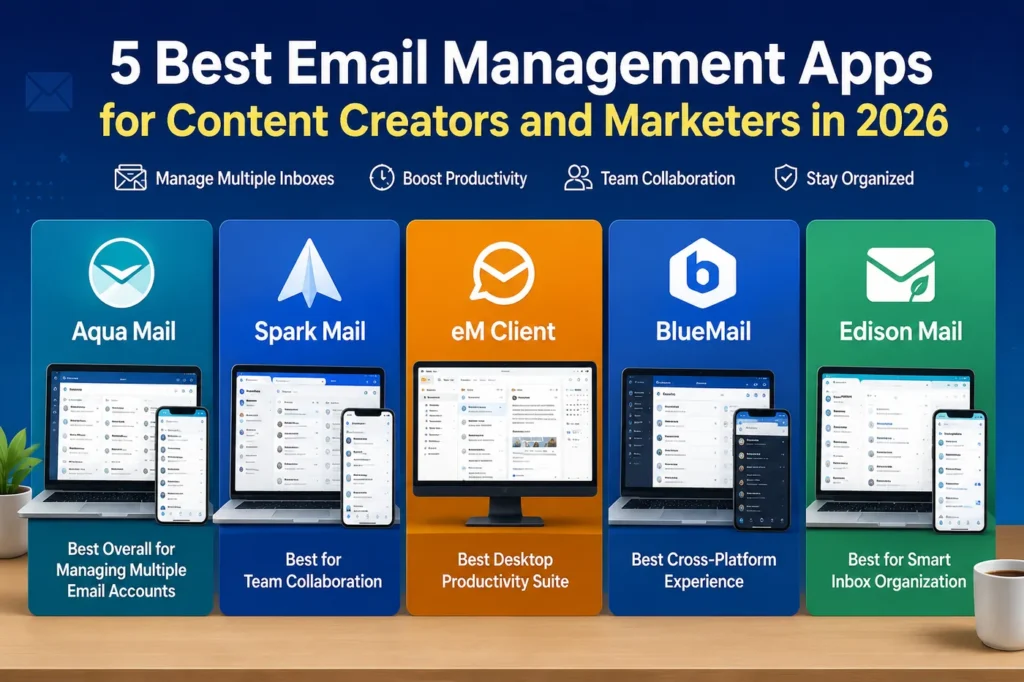
Aqua Mail, Spark Mail, eM Client, BlueMail, and Edison Mail are among the best email management apps for content creators, marketers, freelancers, and agencies looking to organize multiple inboxes and improve productivity.
Email remains at the center of content marketing. Writers receive editorial requests, SEO professionals monitor outreach campaigns, social media managers coordinate partnerships, and agencies communicate with clients across multiple accounts every day. Without an efficient email management solution, important conversations can easily get buried. According to Statista, the number of global email users continues to grow, underscoring the importance of having reliable tools to organize and manage inboxes efficiently.
The right email app can help consolidate inboxes, prioritize messages, reduce clutter, and streamline communication across Gmail, Outlook, Yahoo, Exchange, and other providers. For professionals juggling several brands or clients, choosing the right tool can save hours each week. As your publishing efforts grow, having an organized inbox becomes even more important for coordinating outreach, approvals, and campaigns as part of a broader content strategy. If you’re building or refining that process, our guide on how to create a winning content strategy is a helpful next read.
Quick Rundown: Best Email Management Apps
• Aqua Mail — Best overall for managing multiple email accounts
• Spark Mail — Best for team collaboration
• eM Client — Best desktop email client for power users
• BlueMail — Best cross-platform experience
• Edison Mail — Best for smart inbox organization
Best Email Management Apps Compared
1. Aqua Mail — Best Overall for Managing Multiple Email Accounts
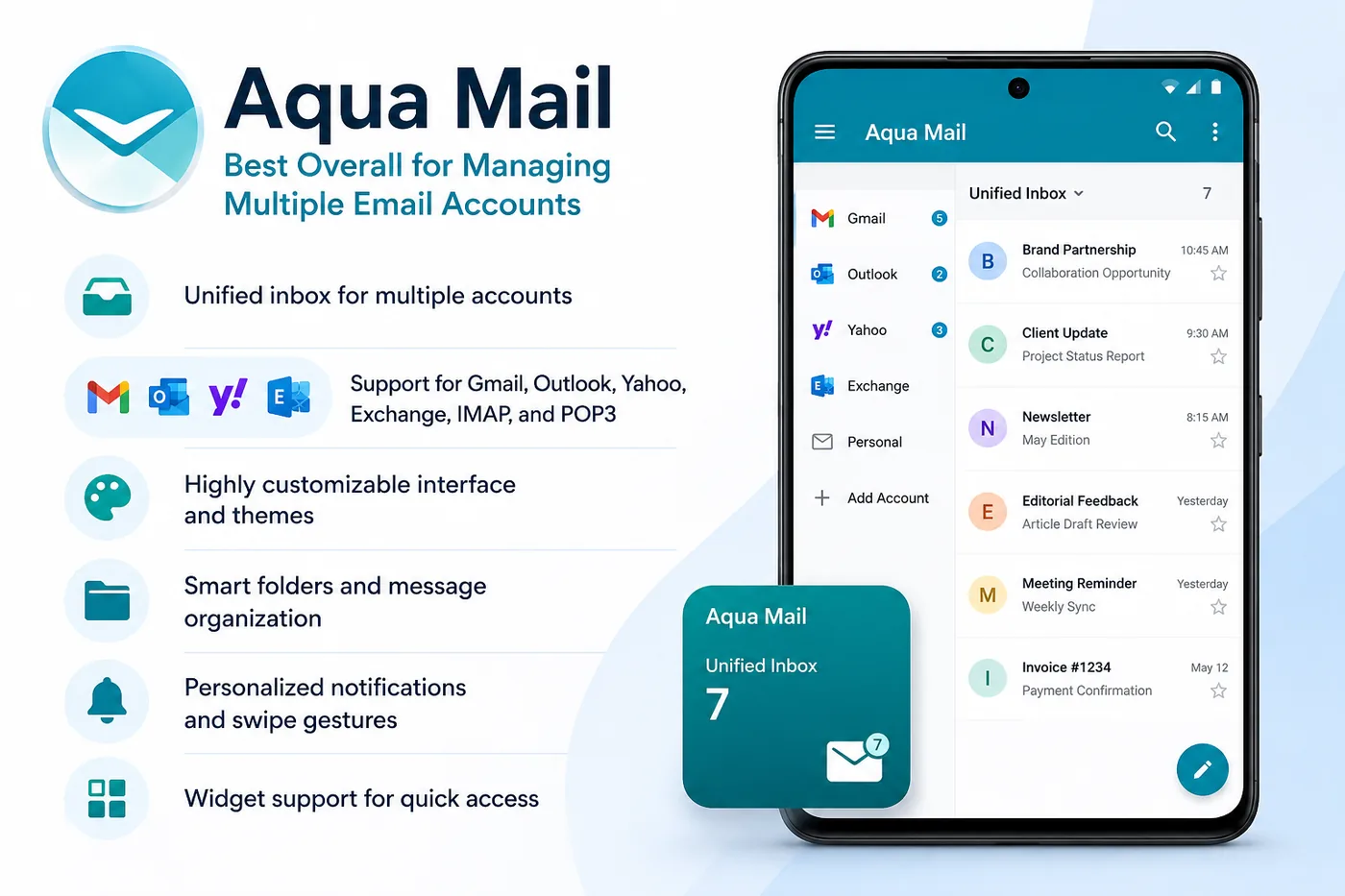
Aqua Mail is a powerful email client built for people who need to stay on top of several inboxes without constantly switching between apps. It supports major providers including Gmail, Outlook, Yahoo, Exchange, IMAP, and POP3, bringing everything together in a single, customizable interface.
For content creators and marketers, this can simplify day-to-day operations. Instead of opening separate apps for brand partnerships, client communications, newsletter replies, editorial feedback, and personal messages, Aqua Mail allows you to manage them from one place. Custom folders, swipe actions, signatures, and notification settings make it easy to tailor the experience to your workflow, while the unified inbox helps ensure that important messages don’t get overlooked.
Key Features
• Unified inbox for multiple accounts
• Support for Gmail, Outlook, Yahoo, Exchange, IMAP, and POP3
• Highly customizable interface and themes
• Smart folders and message organization
• Personalized notifications and swipe gestures
• Widget support for quick access
Real-World Use Case
A digital marketing consultant handling campaigns for six clients uses Aqua Mail to monitor outreach emails, approve content drafts, respond to editors, and track invoices without juggling multiple email apps.
Managing multiple inboxes is only part of staying productive. Many marketers also rely on automation to handle newsletters and follow-up sequences, making it important to pair a capable email client with the right email automation tools for scaling campaigns.
Best For
Freelancers, agencies, bloggers, content creators, consultants, and marketers managing several email accounts.
For marketers who regularly send newsletters or outreach campaigns, combining a unified inbox with effective email marketing tips for higher conversions can make it easier to stay organized and improve engagement.
Try Aqua Mail today and experience a smarter, more organized way to manage all your email accounts in one place.
2. Spark Mail — Best for Team Collaboration
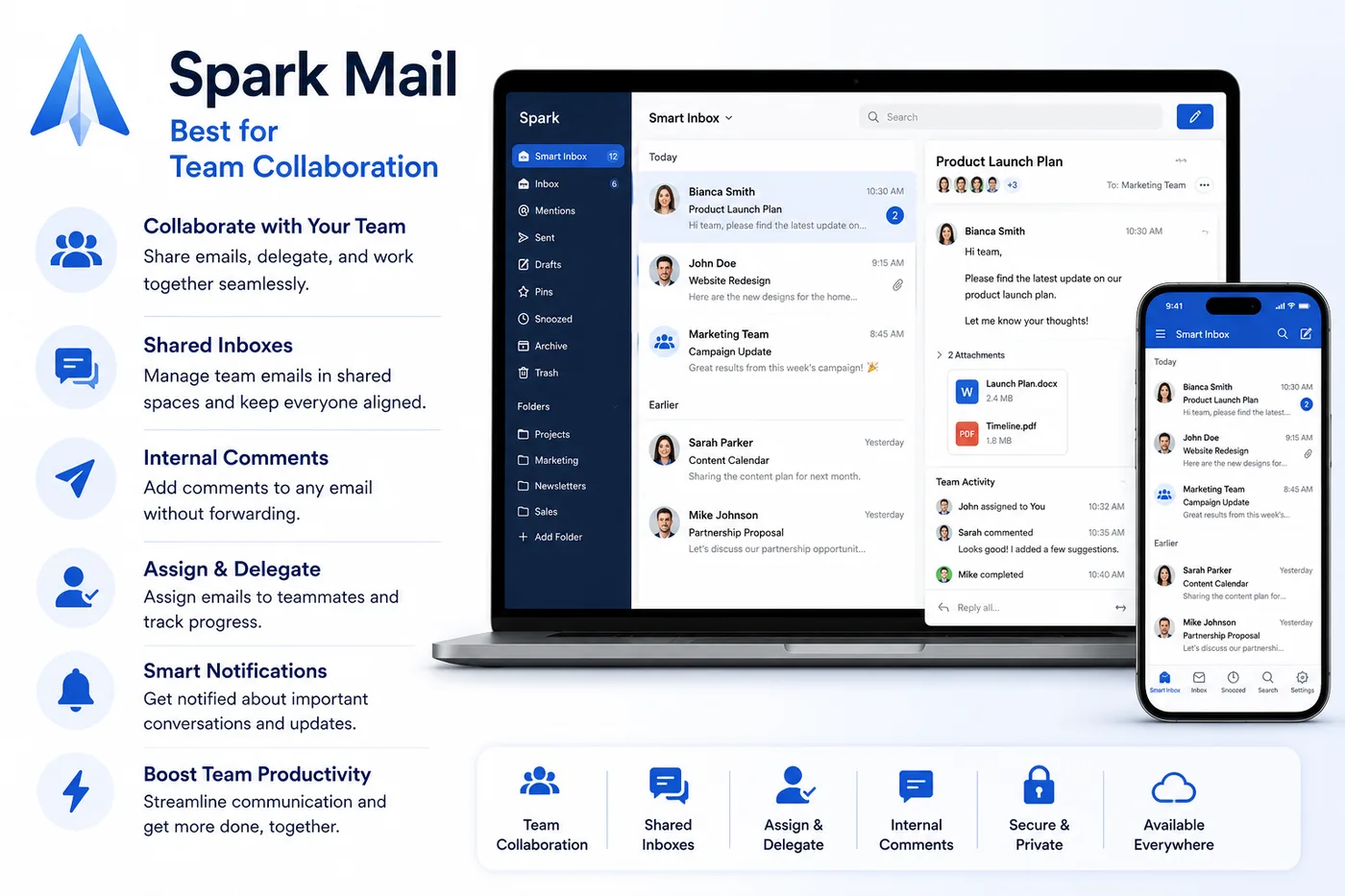
Spark Mail is designed for teams that collaborate heavily through email. Beyond basic inbox management, it offers shared drafts, internal comments, and email delegation features that allow colleagues to coordinate responses before messages are sent.
Marketing teams often receive sponsorship inquiries, media requests, partnership proposals, and client feedback that require multiple stakeholders. Spark streamlines these conversations by keeping discussions inside the app instead of relying on lengthy internal email chains.
Key Features
• Shared drafts for collaborative editing
• Internal team comments
• Smart inbox prioritization
• Scheduled sending and reminders
• Email assignment tools
• Cross-device synchronization
Real-World Use Case
A content agency receives a brand sponsorship request and assigns the email to the account manager while the editor reviews deliverables and the legal team leaves internal comments—all within Spark before the final reply is sent.
Best For
Marketing teams, agencies, startups, and businesses with collaborative workflows.
3. eM Client — Best Desktop Productivity Suite
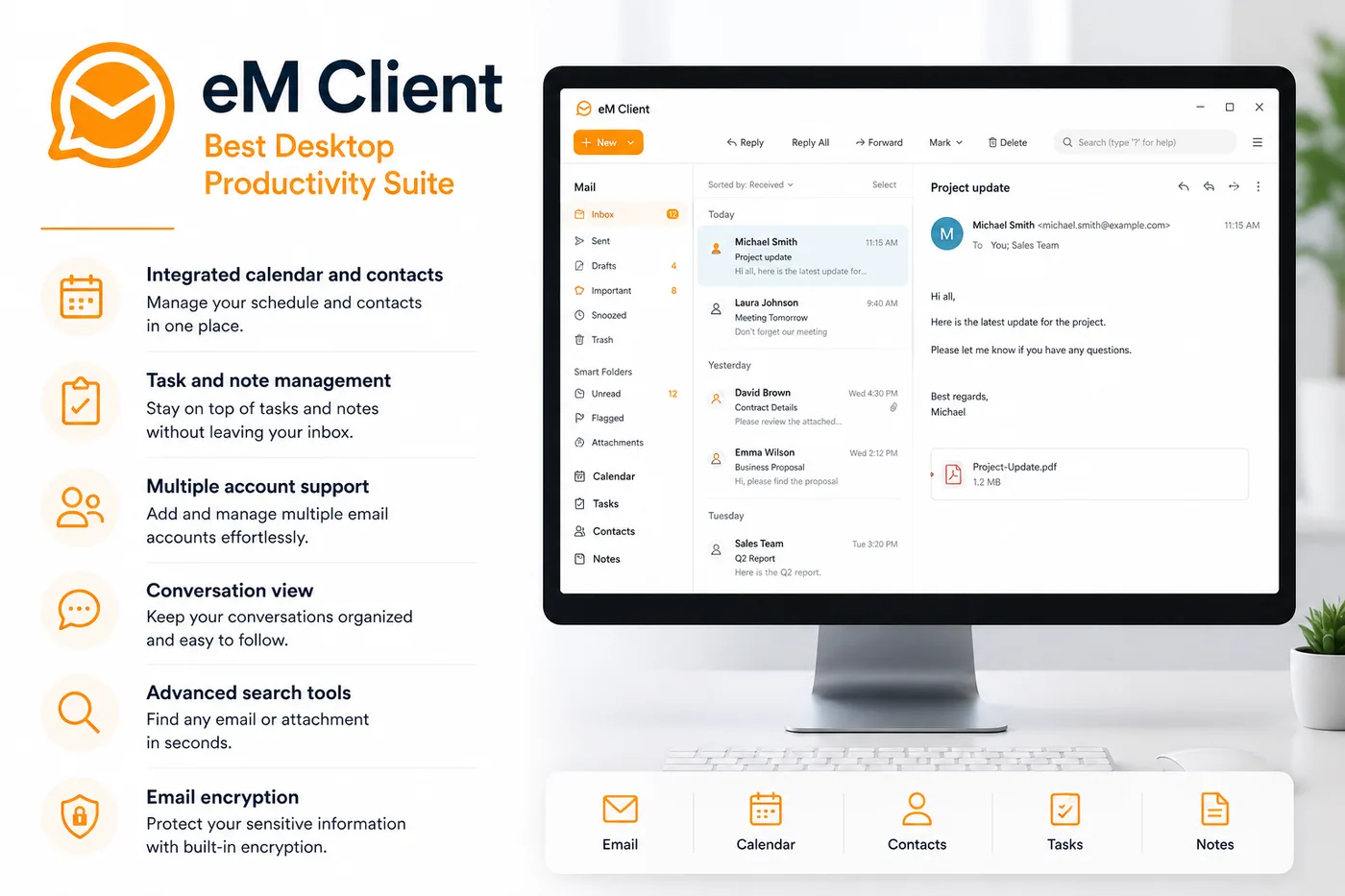
eM Client combines email, calendars, contacts, tasks, and notes into a single desktop application, making it an excellent productivity hub for professionals who spend most of their workday at a computer.
For content marketers, having campaign deadlines, editorial calendars, client meetings, and email correspondence in one place can reduce context switching and improve organization. The software also includes conversation threading and advanced search capabilities that make it easier to locate historical communications.
Key Features
• Integrated calendar and contacts
• Task and note management
• Multiple account support
• Conversation view
• Advanced search tools
• Email encryption capabilities
Real-World Use Case
An SEO manager keeps outreach emails, publication schedules, editorial meetings, and follow-up reminders organized within eM Client instead of using multiple disconnected applications.
Best For
Desktop professionals, consultants, and productivity-focused users.
4. BlueMail — Best Cross-Platform Email Experience
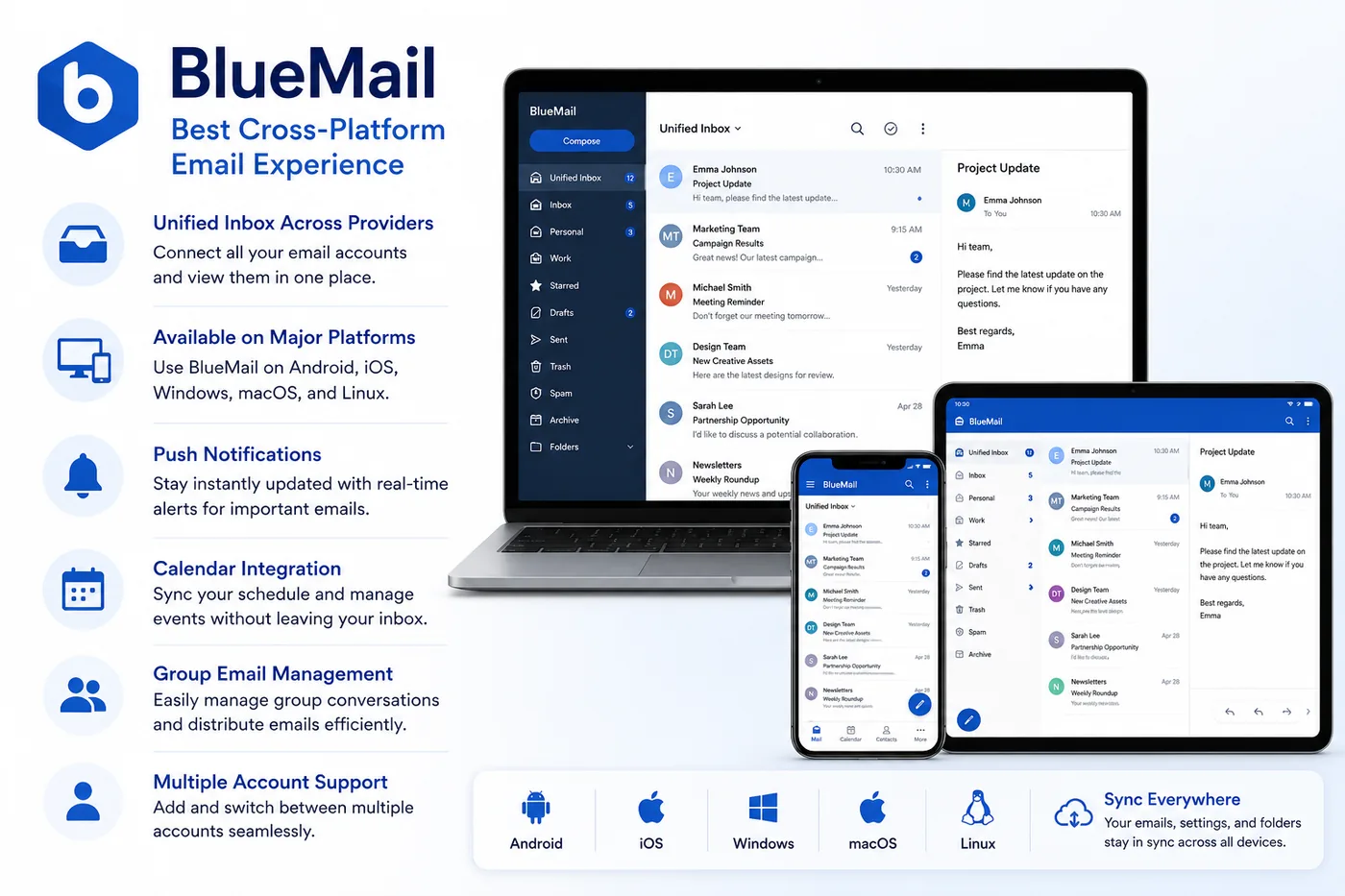
BlueMail provides a consistent experience across Android, iOS, Windows, Linux, and macOS, making it ideal for professionals who frequently switch devices throughout the day.
Its unified inbox and support for numerous email providers allow marketers to stay connected whether they’re reviewing campaign reports from a laptop, replying to clients from a phone, or checking approvals while traveling.
Key Features
• Unified inbox across providers
• Available on major operating systems
• Push notifications
• Calendar integration
• Group email management
• Multiple account support
Real-World Use Case
A social media manager reviews campaign approvals on a desktop during office hours and continues conversations seamlessly from a smartphone while attending industry events.
Best For
Remote workers, digital nomads, and professionals using multiple devices.
5. Edison Mail — Best for Reducing Inbox Clutter
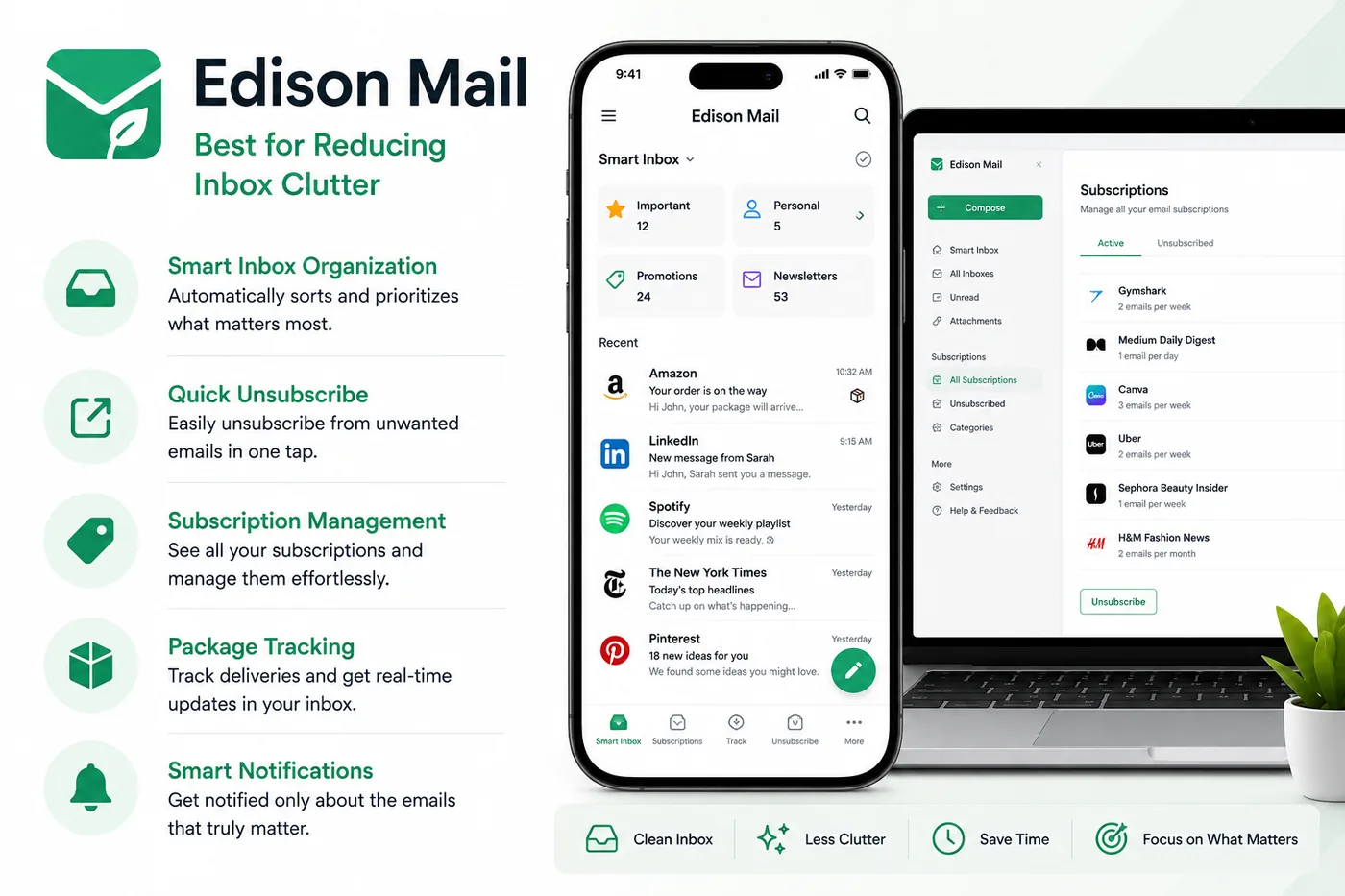
Edison Mail focuses on helping users process email more efficiently by automatically organizing messages and making it easier to eliminate unnecessary subscriptions and promotional content.
For content creators who subscribe to dozens of industry newsletters and receive constant marketing emails, these organizational tools can make important client communications easier to find while reducing distractions. The app also includes features such as package tracking and smart notifications that surface relevant information quickly.
Key Features
• Smart inbox organization
• Quick unsubscribe tools
• Subscription management
• Unified inbox support
• Package tracking
• Intelligent notifications
Real-World Use Case
A blogger subscribed to more than 100 marketing newsletters uses Edison Mail to clean up promotional messages while ensuring collaboration requests and publishing opportunities remain easy to spot.
Best For
Busy professionals, creators, and marketers looking to reduce inbox overload without spending time manually sorting emails.
Email Management Comparison Table
“`html
| Feature | Aqua Mail | Spark | eM Client | BlueMail | Edison Mail |
|---|---|---|---|---|---|
| Multiple Accounts | Excellent | Excellent | Excellent | Excellent | Excellent |
| Unified Inbox | Yes | Yes | Yes | Yes | Yes |
| Team Collaboration | Limited | Excellent | Good | Limited | Limited |
| Desktop Support | Yes | Yes | Excellent | Yes | Yes |
| Mobile Experience | Excellent | Excellent | Good | Excellent | Excellent |
| Best For | Multi-account management | Teams | Desktop users | Cross-platform users | Inbox cleanup |
“`
Who Should Use Each App?
If you manage several inboxes across clients, brands, or businesses, Aqua Mail provides one of the most flexible and customizable experiences available.
Teams collaborating on campaigns may prefer Spark, while desktop-focused professionals could benefit from eM Client. Users prioritizing device compatibility should consider BlueMail, and those overwhelmed by email volume may appreciate Edison Mail’s organizational tools.
How to Choose the Best Email Management App
The best email management app depends on how you work and the number of accounts you manage. A solo blogger may only need a clean, organized inbox, while a marketing agency could require collaboration tools, advanced customization, and support for multiple providers. Before making a decision, consider the following factors.
1. Support for Multiple Email Accounts
Many content creators and marketers manage separate email addresses for clients, newsletters, partnerships, and personal communication. Choose an app that lets you add multiple accounts and view them in a unified inbox so you can respond faster without constantly switching between apps.
2. Compatibility with Popular Email Providers
Make sure the app works seamlessly with the services you already use, such as Gmail, Outlook, Yahoo Mail, Exchange, IMAP, or POP3. Broad compatibility makes migration easier and allows you to consolidate all your communications in one place.
3. Organization and Productivity Features
Look for tools that help you stay organized, including smart folders, conversation threading, powerful search, message snoozing, scheduled sending, reminders, and customizable notifications. These features can significantly reduce the time you spend managing your inbox each day. Even if you choose a feature-rich email client, following established inbox management practices can further improve efficiency. Google offers guidance on organizing Gmail with labels, filters, and other productivity features.
4. Cross-Platform Availability
If you work across a desktop, laptop, tablet, and smartphone, choose an email app that synchronizes your accounts and settings across devices. This ensures you can pick up where you left off no matter where you’re working.
5. Collaboration Capabilities
Agencies and marketing teams often need to share emails, review drafts, or assign conversations to colleagues. If collaboration is important to your workflow, look for apps that offer shared inboxes, internal comments, or delegation features.
6. Customization Options
The ability to customize themes, swipe gestures, signatures, widgets, and notification rules can make a big difference, especially if you process hundreds of emails every week. A flexible interface lets you tailor the app to your personal workflow.
7. Security and Privacy
Your email accounts often contain sensitive client information, contracts, and business communications. Features like encryption support, biometric authentication, spam filtering, and secure account connections can help protect your data.
8. Value for Money
Free plans may be sufficient for basic use, but premium subscriptions often unlock advanced features such as enhanced customization, priority support, and productivity tools. Consider the long-term value rather than choosing solely based on price.
Ultimately, the right email management app should simplify your workflow, reduce inbox clutter, and make it easier to stay responsive. For professionals who juggle multiple accounts every day, a solution like Aqua Mail offers an excellent balance of flexibility, customization, and convenience.
Frequently Asked Questions
What is an email management app?
An email management app helps users organize, prioritize, and manage messages from one or more email accounts. Many apps offer features such as unified inboxes, smart notifications, message filtering, scheduling, and advanced search to make handling email faster and more efficient.
Why do content creators and marketers need an email management app?
Content creators and marketers often juggle communications with clients, editors, sponsors, freelancers, and partners across multiple email addresses. A dedicated email management app centralizes these conversations, helping reduce inbox clutter, improve response times, and ensure important opportunities don’t slip through the cracks.
Which email management app is best for handling multiple accounts?
If you regularly switch between personal, business, and client inboxes, Aqua Mail is one of the strongest options available. Its unified inbox, broad compatibility with major email providers, and extensive customization features make it well suited for professionals managing several accounts simultaneously.
Does Aqua Mail work with Gmail, Outlook, and other popular email services?
Yes. Aqua Mail supports a wide range of email providers, including Gmail, Outlook, Yahoo Mail, Exchange, IMAP, and POP3 accounts. This flexibility allows users to manage multiple services from a single app instead of installing separate email clients for each account.
Can these email management apps improve productivity?
Yes. Features such as unified inboxes, conversation threading, smart notifications, scheduled sending, message snoozing, and advanced search can reduce the time spent processing email and help users stay organized throughout the day.
Are free email management apps enough for most users?
For casual users, free versions often provide all the essential functionality needed to manage one or two accounts. However, professionals and businesses may benefit from premium features such as enhanced customization, collaboration tools, advanced productivity options, and priority support.
What should marketers look for when choosing an email management app?
Marketers should prioritize support for multiple accounts, compatibility with popular email providers, cross-device synchronization, robust search capabilities, and productivity features like reminders and scheduled sending. If you work with multiple brands or clients, a customizable solution like Aqua Mail can simplify your workflow by keeping all communications in one place.
Final Verdict
Every email management app on this list offers something valuable, whether it’s team collaboration, desktop productivity, cross-platform support, or smart inbox organization. The best choice ultimately depends on how you work and the features that matter most to you.
For content creators, marketers, freelancers, and agencies who manage multiple email accounts every day, Aqua Mail stands out as the top overall recommendation. Its unified inbox, compatibility with major email providers, and extensive customization options make it easy to keep client communications, partnership requests, newsletters, and personal messages organized in one place.
If your goal is to spend less time switching between inboxes and more time creating content and growing your business, Aqua Mail is a compelling option to consider.
Ready to streamline your workflow? Try Aqua Mail now and discover how a well-organized inbox can help you stay productive, respond faster, and never miss an important opportunity.

We research and organize marketing software around practical use cases. Product claims are included only when supported by available sources.
Read our editorial policy →Related guides

Black Friday Tracking Blind Spots: How Cookie Consent Affects Marketing Data and Attribution
Black Friday tracking blind spots can make campaign performance harder to interpret at exactly the time marketers need reliable data most. Ecommerce brands may see orders and leads increasing while analytics, advertising platforms, and other marketing systems provide an incomplete picture of which campaigns actually influenced those conversions. That doesn’t necessarily mean something is broken. […]

Online Store Launch Checklist: From Product Idea to First Order
Prepare your first online store with a practical checklist for products, checkout, delivery, order testing and a focused customer-acquisition plan.

How to Outsource Content Creation Without Losing Your Brand Voice
Learning how to outsource content creation can solve one of the biggest problems in content marketing: there is always more content to create than there is time to create it. Blog posts need writing, landing pages need updating, emails need preparing, and social channels need a steady supply of useful material. But handing the work […]