Marketers today juggle multiple platforms like Instagram, TikTok, and LinkedIn, making mobile-friendly scheduling tools indispensable. These tools save time, improve consistency, and simplify campaign management. Key benefits include:
- Time Savings: Automating posts can save 10–15 hours weekly.
- Consistency: Tools help maintain regular posting, a key factor for success.
- Mobile Access: Adjust schedules, manage DMs, and track performance on the go.
- AI Features: Tools offer smart scheduling, caption generation, and hashtag suggestions.
Quick Overview of Tools:
- monday.com: Visual project management with calendar sync; free trial available.
- ClickUp: Offline mode, drag-and-drop scheduling, and AI tools; free plan and paid options from $7/user/month.
- CoSchedule: Unified calendar for social, content, and email; free plan and Pro plan at $29/user/month.
- Hootsuite: Multi-platform management with AI insights; starts at $99/month.
- Asana: Task dependency adjustments and calendar sync; great for complex projects.
These tools streamline campaign planning, maximize efficiency, and reduce manual effort. Whether you're a solo creator or part of a large team, there's a solution to fit your needs.
Best Social Media Management Tools 2026? | Best Way To Schedule Social Media Posts For FREE
sbb-itb-645e3f7
Best Mobile Campaign Scheduling Tools
Here’s a look at some top platforms designed for mobile campaign scheduling, all offering strong calendar integration.
monday.com
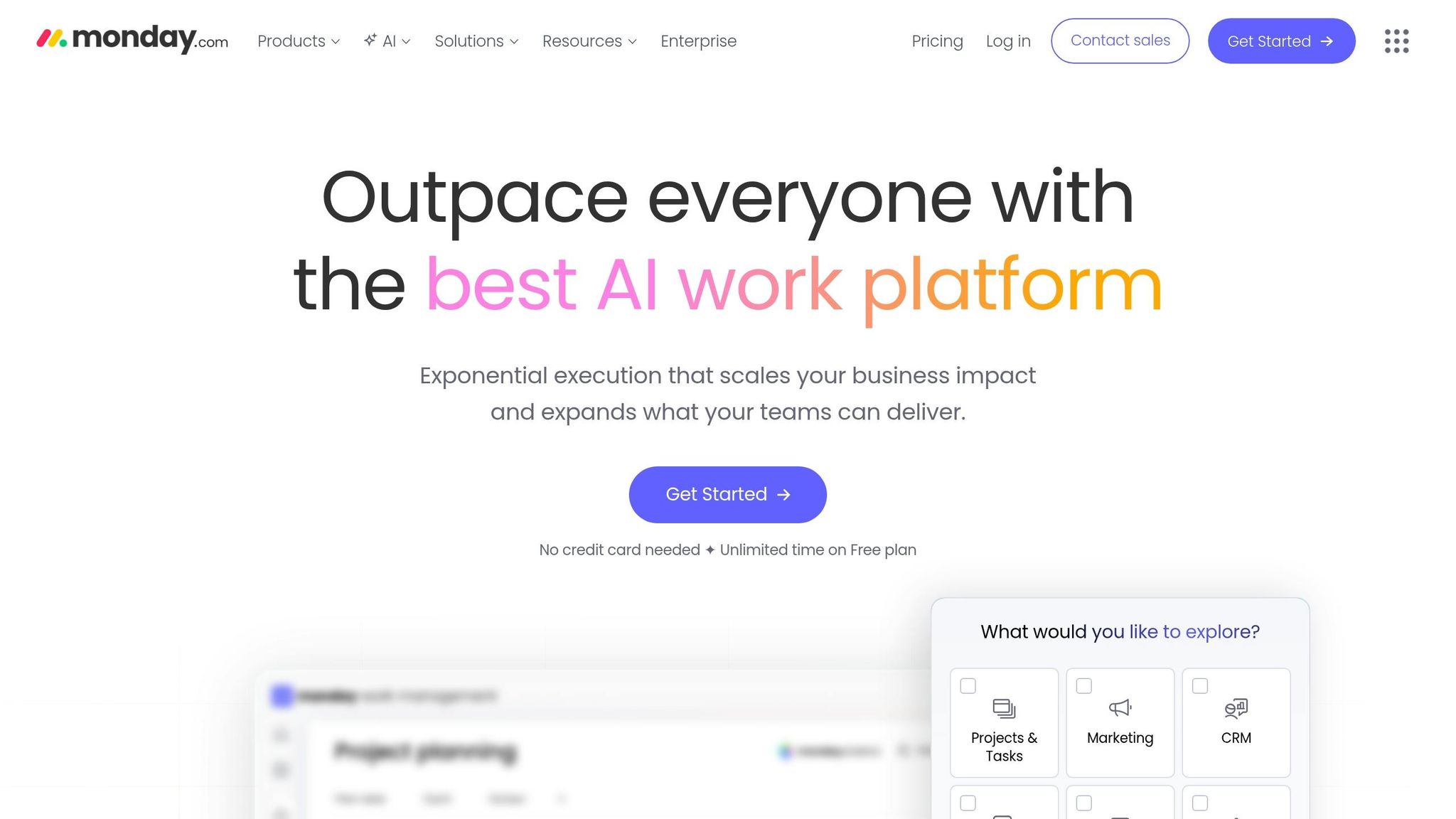
monday.com brings visual project management to your fingertips with apps for both iOS and Android. Its "My Week" feature makes it easy to prioritize tasks, while Google Calendar integration ensures task due dates and timelines sync automatically. Over 100,000 teams currently rely on monday.com for project management and scheduling.
"monday.com is one of the best tools for project management due to its level of functionality. Besides, it effectively integrates with Google calendar".
The app supports day, week, and month views, making it simple to stay organized. Plus, the platform offers a 14-day free trial with no credit card required.
If you’re looking for even more views and offline functionality, ClickUp might be a great alternative.
ClickUp
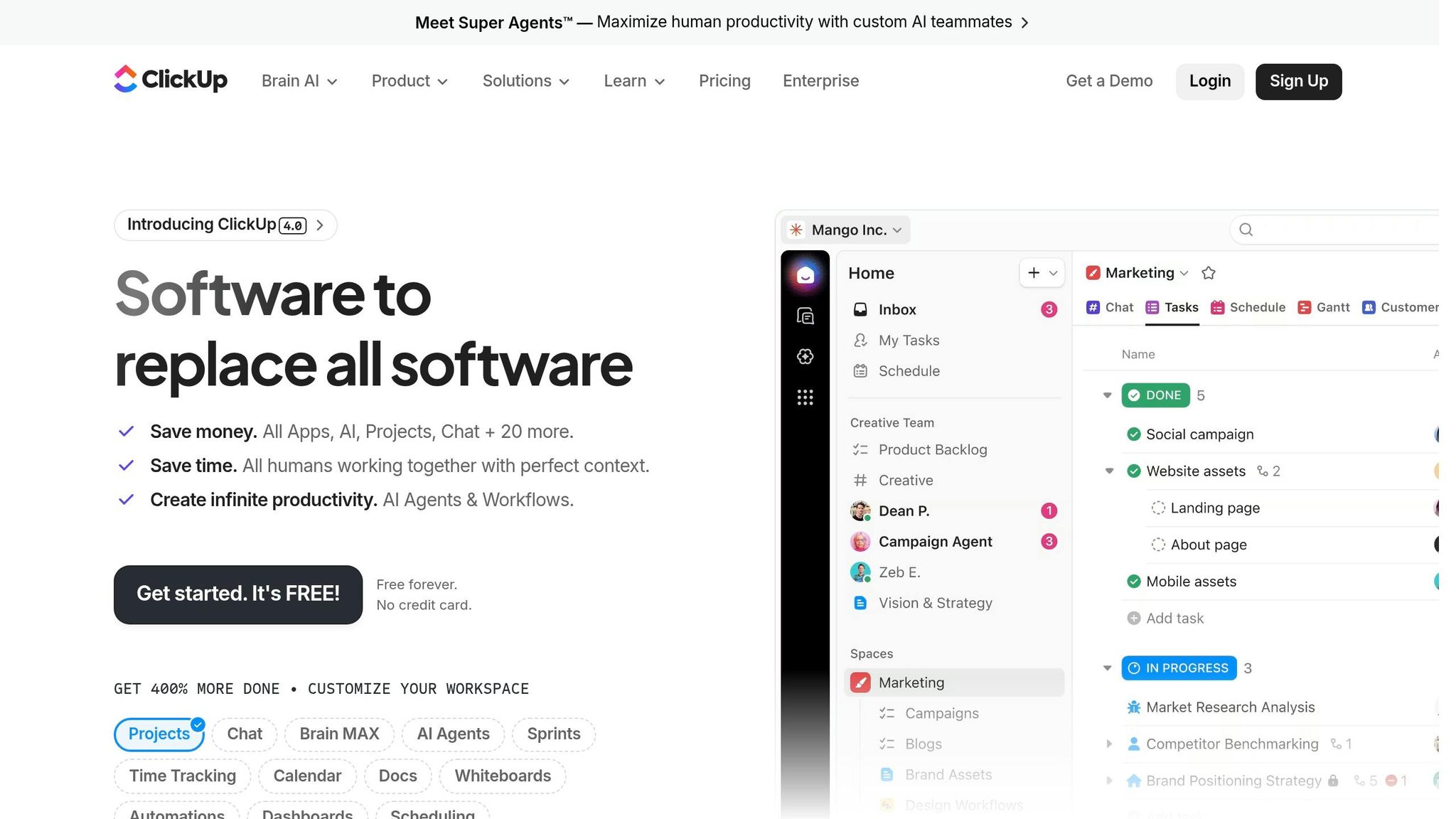
ClickUp takes mobile management to the next level with 15+ views, including Calendar, Kanban, and Gantt chart options - all optimized for mobile. Its drag-and-drop functionality lets you reschedule campaigns with just a swipe.
One standout feature is Offline Mode, which allows you to access tasks without internet. Changes sync automatically once you’re back online. Recognized as the #1 Project Management Software in 2023 by G2, ClickUp also offers AI-driven tools and integrates with over 1,000 apps like Slack, Zoom, and Google Sheets.
With stellar ratings of 4.7/5 on G2 (8,000+ reviews) and Capterra (3,000+ reviews), ClickUp provides a Free Forever plan, with the Unlimited plan starting at $7 per user per month.
For marketers juggling multiple campaigns, CoSchedule offers an all-in-one calendar solution.
CoSchedule
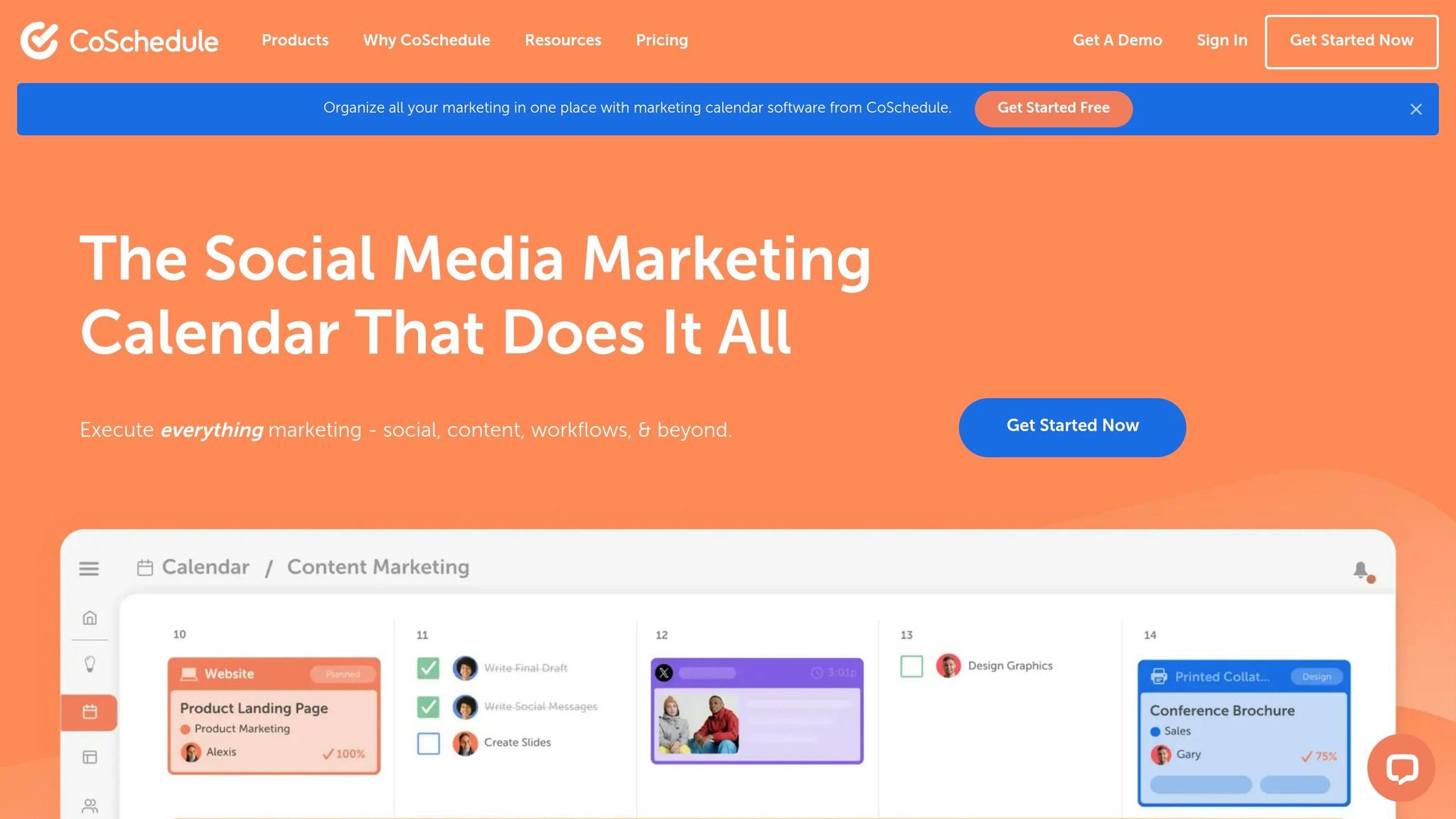
Used by over 50,000 marketers worldwide, CoSchedule combines social, content, and campaign scheduling into a single, unified calendar. The "My Upcoming" tab helps with personal task management, while the Calendar tab provides a clear day-by-day project view.
One of its standout features is the ability to reschedule entire campaigns directly from your mobile device. Adjust the campaign start date, and all related tasks, projects, and social messages update automatically. CoSchedule offers a free plan, with the Pro plan priced at $29 per user per month. It also supports direct publishing to major social platforms, including Instagram Collaboration posts, right from your phone.
If managing campaigns across multiple platforms is a priority, Hootsuite might be the tool for you.
Hootsuite
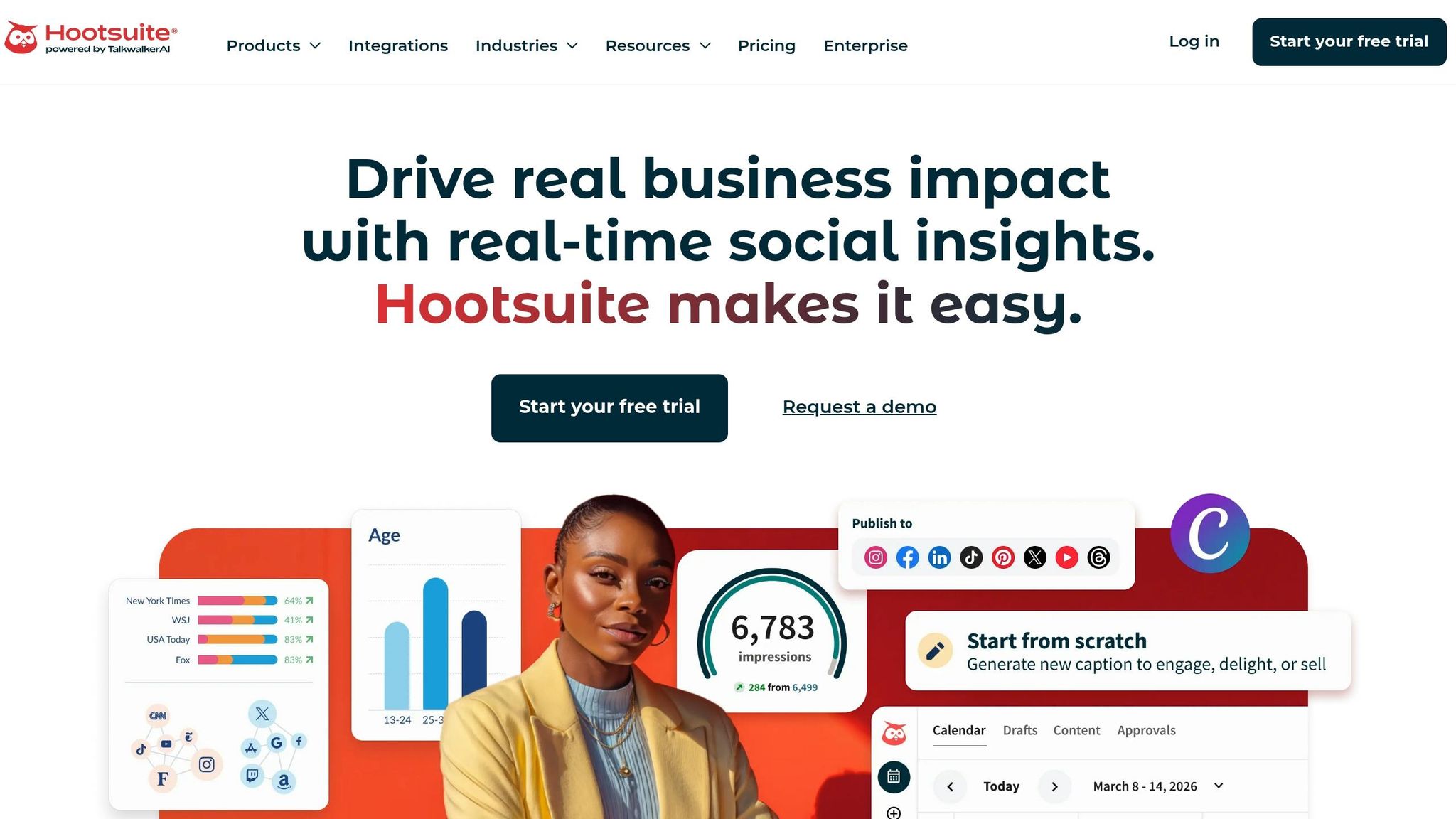
Hootsuite’s mobile dashboard lets you manage campaigns across multiple social channels from a single interface. Its multi-account scheduling and calendar integration make quick adjustments easy, while AI-driven insights help identify trends and optimize performance in real time.
Although Hootsuite is feature-packed, some users have reported occasional issues with scheduled posts. On the plus side, its AI-powered content creation tool makes drafting posts on the go a breeze.
For those handling complex projects with task dependencies, Asana is another excellent choice.
Asana
Asana’s mobile app simplifies managing intricate projects by automatically adjusting dependent tasks when one deadline changes. This ensures your campaign structure stays intact, even when plans shift.
With native calendar sync, campaign milestones appear alongside personal appointments in Google or Apple Calendar. Tasha Hydar, IT Project Manager at Serendipity Labs, shares:
"Now, we have a crystal clear view of what's going on at all times".
The app allows for quick adjustments on the go without disrupting your overall campaign workflow.
Tool Comparison
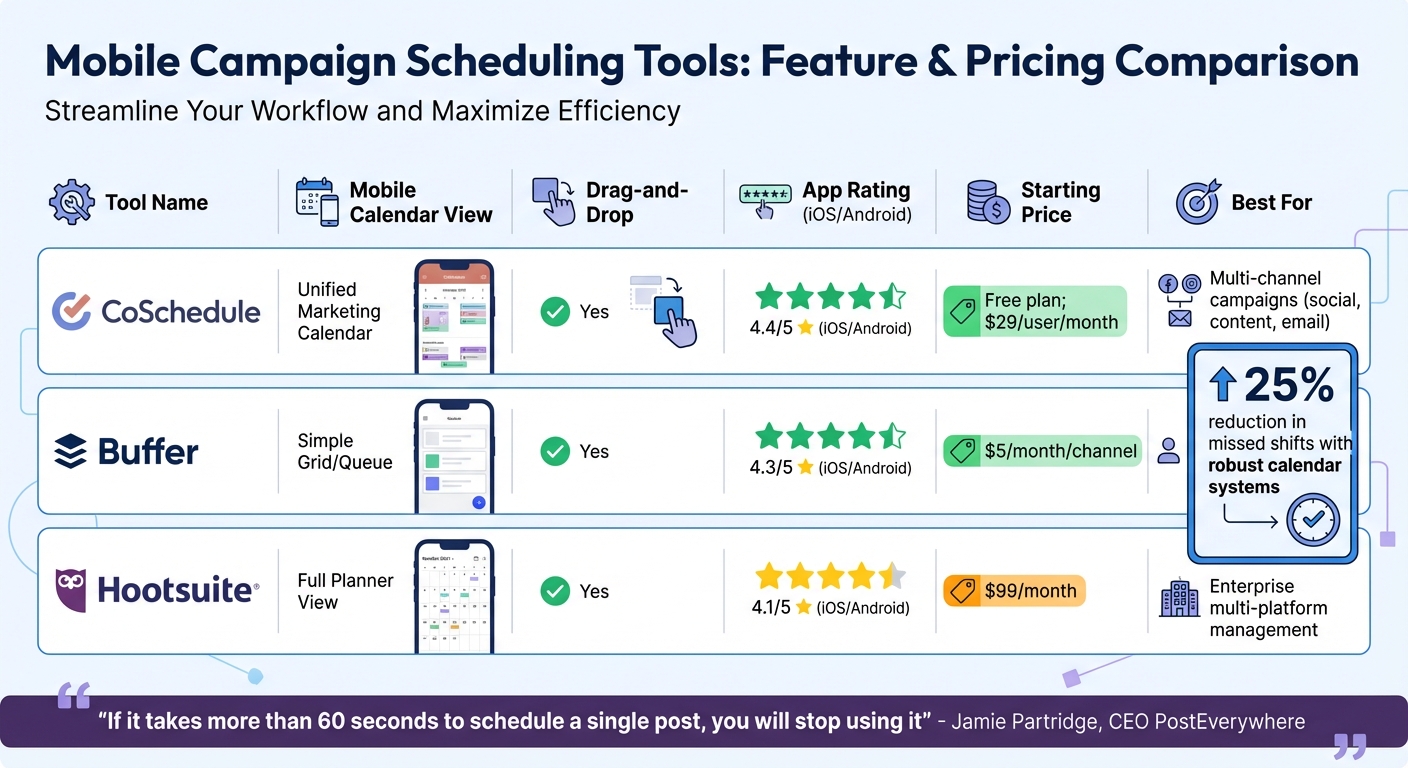
Mobile Campaign Scheduling Tools Comparison: Features, Pricing & Best Use Cases
Feature and Pricing Comparison
Choosing the right tool depends on your campaign needs, budget, and the size of your team. Here's a breakdown of some popular options:
| Tool | Mobile Calendar View | Drag-and-Drop | Native App Rating (iOS/Android) | Pricing (Starting) | Best Use Case |
|---|---|---|---|---|---|
| CoSchedule | Unified Marketing Calendar | Yes | 4.4/5 | Free plan; $29/user/mo | Multi-channel campaigns combining social, content, and email while maintaining brand consistency in display ads |
| Buffer | Simple Grid/Queue | Yes | 4.3/5 | $5/mo/channel | Solo creators managing 1–2 social accounts with minimal complexity |
| Hootsuite | Full Planner View | Yes | 4.1/5 | $99/mo | Enterprise-level multi-platform management |
This table illustrates how the features and pricing of these tools cater to different campaign sizes and needs.
Key considerations: If you're a solo creator managing just a couple of social accounts, Buffer's $5/month per channel pricing is a great fit. On the other hand, CoSchedule's unified calendar ($29/user/month) is better suited for teams juggling a mix of social posts, blogs, and emails. For larger organizations needing comprehensive multi-platform management, Hootsuite's $99/month plan is a solid option.
An effective scheduling tool can make a big difference. For instance, organizations that integrate robust calendar systems report up to a 25% reduction in missed shifts and noticeable improvements in schedule adherence.
As Jamie Partridge, Founder & CEO of PostEverywhere, puts it:
"If it takes more than 60 seconds to schedule a single post, you will stop using it".
Efficient scheduling isn't just a nice-to-have - it's essential for keeping campaigns on track and teams productive.
Find More Tools on Content and Marketing
Beyond the core scheduling tools, specialized mobile features can take campaign management to the next level. While platforms like CoSchedule, Buffer, and Hootsuite handle many scheduling essentials, Content and Marketing offers a curated directory of tools that go beyond basic calendar functions. These tools bring advanced mobile features to enhance calendar integration and streamline campaign execution.
The directory organizes tools into categories that focus on mobile strategies and features, including:
- Social Media Management and Scheduling tools to automate publishing across major platforms.
- AI-Powered Content Creation platforms that help generate copy and design assets on the fly.
- Omnichannel Marketing Automation systems that combine email, SMS, WhatsApp, and mobile push notifications into a single interface.
For teams juggling multiple campaigns, the directory highlights platforms with unified visual calendars for better project oversight. It also features tools for team collaboration, such as task assignments, draft reviews, and approval workflows. You’ll also find social commerce tools to make posts shoppable and analytics platforms with real-time reporting and predictive AI insights.
There’s something for every budget. For instance, CoSchedule offers a "Forever-Free" marketing calendar for individuals and small teams, while Predis.ai includes a "Schedule Posts for Free" option. For larger enterprises, solutions like Dash Social start at $999/month, offering advanced mobile features and desktop synchronization.
Explore the Content and Marketing directory at https://content-and-marketing.com to find the perfect tools for your campaigns.
Wrapping It Up
Mobile scheduling tools are a game-changer for today’s marketing teams. The stats back it up: marketers using scheduling software are three times more likely to achieve successful social media strategies than those relying on manual posting. Plus, they save an impressive 10–15 hours each week. That’s time you can reinvest into strategy, brainstorming creative ideas, or connecting with your audience.
These tools also help you stay in sync with platform algorithms through consistent posting. With centralized dashboards, there’s no need to juggle multiple apps. And the ability to manage everything on the go means you can tweak calendars, reply to comments, and track performance no matter where you are. On top of that, modern AI features take the guesswork out of the equation, offering smart suggestions for posting times and custom captions tailored to each platform.
For small teams and solo marketers, mobile tools make it easier to stay consistent without burning out.
FAQs
Which mobile scheduling tool is best for my team size?
When picking the right tool, it all comes down to your team's size and specific requirements. If you're part of a larger team, monday.com stands out with its extensive features for collaboration and managing campaigns. On the other hand, smaller teams or solo creators might find PostNext or SmarterQueue more appealing due to their straightforward design and automation capabilities. Go with monday.com if you need detailed workflows, but opt for PostNext or SmarterQueue if simplicity and efficient social platform management are your main priorities.
Do these apps support offline scheduling and auto-sync?
Many apps offer offline scheduling and auto-sync features. These tools let you plan campaigns even without an internet connection. Once you're back online, everything syncs automatically. Some examples include apps specifically built for smooth scheduling and consistent syncing across multiple devices.
How do I choose between a marketing calendar and a project manager?
When making a choice, it all comes down to what you need. Marketing calendars are perfect for laying out campaign schedules, keeping track of deadlines, and visualizing timelines. They shine when it comes to coordination and planning. On the other hand, project management tools are built for more intricate tasks. They handle task assignments, team collaboration, and even automate workflows, making them great for managing complex projects.
For many teams, a hybrid approach works well: use a calendar to manage scheduling and timelines, and rely on a project management tool for handling execution and teamwork.