Email automation tools can save you time, increase efficiency, and help grow your campaigns without extra manpower. Whether you're running a small business, managing ecommerce, or handling large-scale outreach, the right tool can make all the difference. Here's a quick rundown of the top tools and what they offer:
- ActiveCampaign: Advanced automation with over 900 templates, CRM integration, and strong deliverability features. Starts at $19/month.
- HubSpot Marketing Hub: Combines email, CRM, and landing pages for a unified platform. Free plan available; paid plans from $20/month.
- Klaviyo: Tailored for ecommerce with predictive analytics and real-time triggers. Paid plans start at $45/month.
- Brevo: Affordable multi-channel automation (email, SMS, WhatsApp) with unlimited contacts. Free plan available; paid plans from $8–$9/month.
- Mailchimp: User-friendly with 300+ integrations and customer journey tools. Free plan for up to 500 contacts; paid plans from $20/month.
- MailerLite: Simple, cost-effective platform with landing pages and basic automations. Free plan for up to 1,000 contacts; paid plans from $9–$10/month.
- SendGrid: API-driven infrastructure for high-volume transactional and marketing emails. Free plan available; paid plans from $19.95/month.
Quick Comparison
| Tool | Best For | Starting Price | Key Features |
|---|---|---|---|
| ActiveCampaign | SMBs, B2B | $19/month | Advanced workflows, CRM integration, 900+ templates |
| HubSpot | Unified marketing/sales teams | $20/month | CRM, landing pages, personalization, real-time analytics |
| Klaviyo | Ecommerce businesses | $45/month | Shopify/WooCommerce integration, predictive analytics, real-time triggers |
| Brevo | Large lists, multi-channel | $8–$9/month | Unlimited contacts, email/SMS/WhatsApp integration |
| Mailchimp | Small businesses, creators | $20/month | 300+ integrations, customer journey builder, segmentation |
| MailerLite | Startups, small businesses | $9–$10/month | Simple automation, landing pages, forms |
| SendGrid | High-volume senders, SaaS/apps | $19.95/month | API-first infrastructure, transactional email focus, deliverability tools |
Choose a tool based on your email volume, automation needs, and budget. For hands-on testing, take advantage of free trials to see which platform aligns best with your goals.
Growth on Autopilot: Scaling Your Newsletter with Automations
How to Choose Scalable Email Automation Tools
Selecting the right email automation platform for growth requires a forward-thinking approach. It’s not just about what works for your current needs but ensuring the tool can handle the demands of a growing subscriber base without compromising deliverability or breaking the bank.
Let’s start with sending capacity and infrastructure. A scalable platform should comfortably handle your projected email volume, not just your current list size. For example, some platforms can manage up to 500,000 emails per month. But scalability isn’t just about sheer numbers. Look for features like adjustable sending speeds and dedicated IPs to maintain excellent deliverability. These foundational elements ensure your campaigns run smoothly as you grow.
As your email strategy evolves, advanced automation becomes a game-changer. Basic autoresponders won’t cut it when you’re managing thousands of subscribers. Instead, tools with visual workflow builders allow you to design intricate, behavior-triggered sequences. Think welcome series for new signups, cart abandonment emails based on browsing activity, or personalized product recommendations after a purchase. Platforms like ActiveCampaign, with over 900 pre-built automation templates, make it easier to hit the ground running. Features like conditional logic, branching paths, and multi-channel triggers (email, SMS, WhatsApp) let small teams execute campaigns that rival those of larger marketing departments.
Once your email volume grows, deliverability performance becomes critical. A small issue, like a 2% deliverability drop, might seem minor with 10,000 emails, but at 500,000 emails, that’s 10,000 missed opportunities. To avoid this, choose platforms that focus on deliverability with tools like warm-up features, spam testing, and inbox previews. Reliable infrastructure, such as Amazon SES, can also boost performance. And don’t overlook authentication standards like SPF, DKIM, and DMARC - they’re essential for keeping your emails out of spam folders. Detailed reporting on bounce rates, spam complaints, and domain reputation will help you tackle problems before they escalate.
Pricing structures can vary widely, so it’s important to understand the long-term costs. Some platforms charge based on your contact list size, others on the number of emails sent, and some use a mix of both. For instance, Brevo starts at $9/month for 500 contacts and 5,000 emails, while Mailchimp’s Standard plan begins at $20/month for 500 subscribers, including automation. However, Mailchimp’s free tier - limited to 2,500 emails per month - doesn’t include automation. As your list grows to 10,000, 50,000, or more, model out the costs and account for extras like SMS, transactional emails, or additional user seats.
Another key factor is integration capabilities. Your email platform should seamlessly connect with your ecommerce, CRM, and analytics tools. Native integrations or robust APIs ensure real-time data flows, such as purchase history or browsing behavior, which enable more personalized and effective automations. For example, ecommerce brands often rely on behavioral triggers, while B2B companies benefit from deep CRM connections. Platforms like Omnisend, starting at $11/month for up to 500 contacts and 6,000 emails/month, cater specifically to ecommerce needs with multichannel automation.
Analytics and reporting are indispensable when managing high-volume campaigns. You need clear insights that tie revenue directly to specific workflows. For ecommerce businesses, metrics like revenue per email, revenue per workflow, and customer lifetime value by segment are crucial. A/B testing within workflows lets you refine your messaging without launching separate campaigns. Additionally, some platforms now offer AI-driven tools - like predictive send-time optimization and engagement scoring - to help fine-tune your strategy with minimal manual effort.
Finally, don’t overlook compliance and customer service. Features like easy unsubscribe management and consent tracking ensure you stay compliant with CAN-SPAM regulations. And when email becomes a critical part of your marketing efforts, responsive customer support during US business hours can be a lifesaver. Comprehensive onboarding resources and detailed documentation also make it easier to scale quickly and confidently.
1. ActiveCampaign
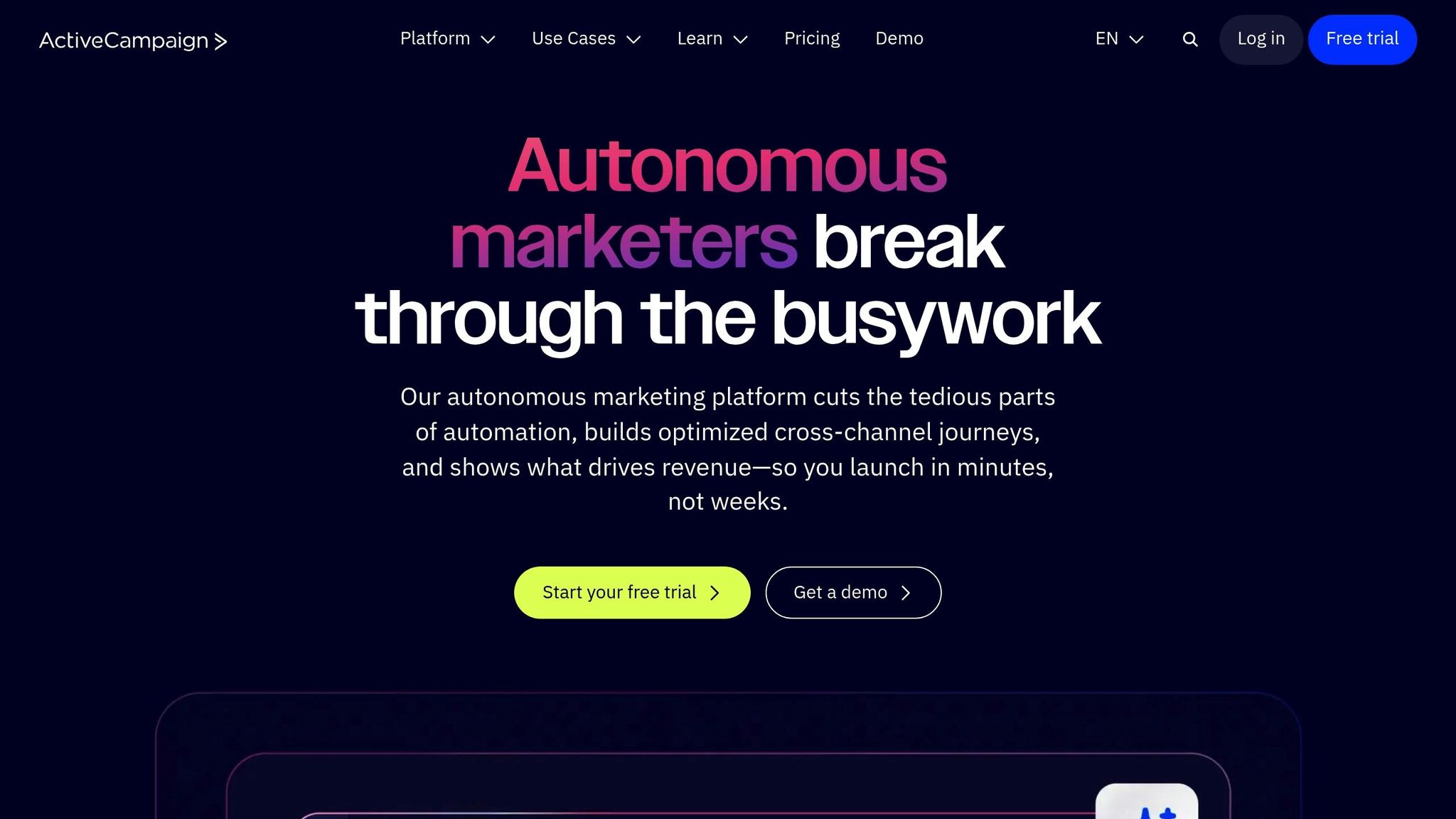
ActiveCampaign is a go-to platform for businesses looking to move beyond basic email marketing into more advanced, automated customer journeys. Here's a closer look at how it delivers on scalability, email deliverability, and automation.
Scalability and Throughput
ActiveCampaign is built to handle massive contact lists, managing hundreds of thousands of contacts with ease. Its contact-based pricing ensures your campaigns stay efficient as your list grows, avoiding performance hiccups. For businesses sending to over 100,000 contacts daily, the platform suggests best practices like gradually warming up IP addresses, staggering email sends, and regularly cleaning your list by removing bounces and inactive subscribers. These steps help maintain strong performance, even at scale.
Deliverability and Infrastructure
Deliverability is one of ActiveCampaign’s strong points. The platform offers both shared and dedicated IP options - dedicated IPs are available in higher-tier plans, giving you more control over your sender reputation. ActiveCampaign also supports essential email authentication protocols like SPF, DKIM, and DMARC, which help ensure your emails land in inboxes rather than spam folders. To scale effectively, ActiveCampaign recommends starting with clean, opt-in lists and slowly increasing send volumes over several weeks. This gradual warmup builds trust with email providers and enhances deliverability.
Automation Depth
Automation is where ActiveCampaign truly shines. With over 900 prebuilt automation templates, the platform covers a wide range of use cases, including welcome emails, onboarding, abandoned cart reminders, and webinar follow-ups. These templates are fully customizable, featuring conditional logic, branching paths, and multi-channel triggers like email, SMS, and WhatsApp. Workflows can be triggered by actions such as form submissions, tag updates, ecommerce activity, or changes in your CRM pipeline. For example, a lead nurturing sequence can adapt dynamically based on user behavior, like page visits or email engagement, and pass qualified leads directly to sales using the integrated CRM. Advanced features like predictive sending and win probability scoring, powered by AI, further enhance the platform’s automation capabilities.
Pricing and Value for High-Volume Use
ActiveCampaign’s pricing is designed to scale with your business needs. Plans start at around $19/month for smaller lists and increase based on contact volume and feature access. While there’s no permanent free plan, a 14-day free trial lets you explore its extensive automation tools and integrations. For high-volume users in the U.S., features like advanced automations, an integrated CRM, and lead scoring can significantly boost engagement and revenue. However, costs can climb for very large lists (e.g., 100,000+ contacts), and the platform's advanced features may require a learning curve for less technical users. That said, expert reviews consistently rate ActiveCampaign highly - around 4.5–4.6 out of 5 - highlighting its automation builder, segmentation options, and seamless sales integration. These strengths make it a top contender for businesses managing large-scale email campaigns.
2. HubSpot Marketing Hub
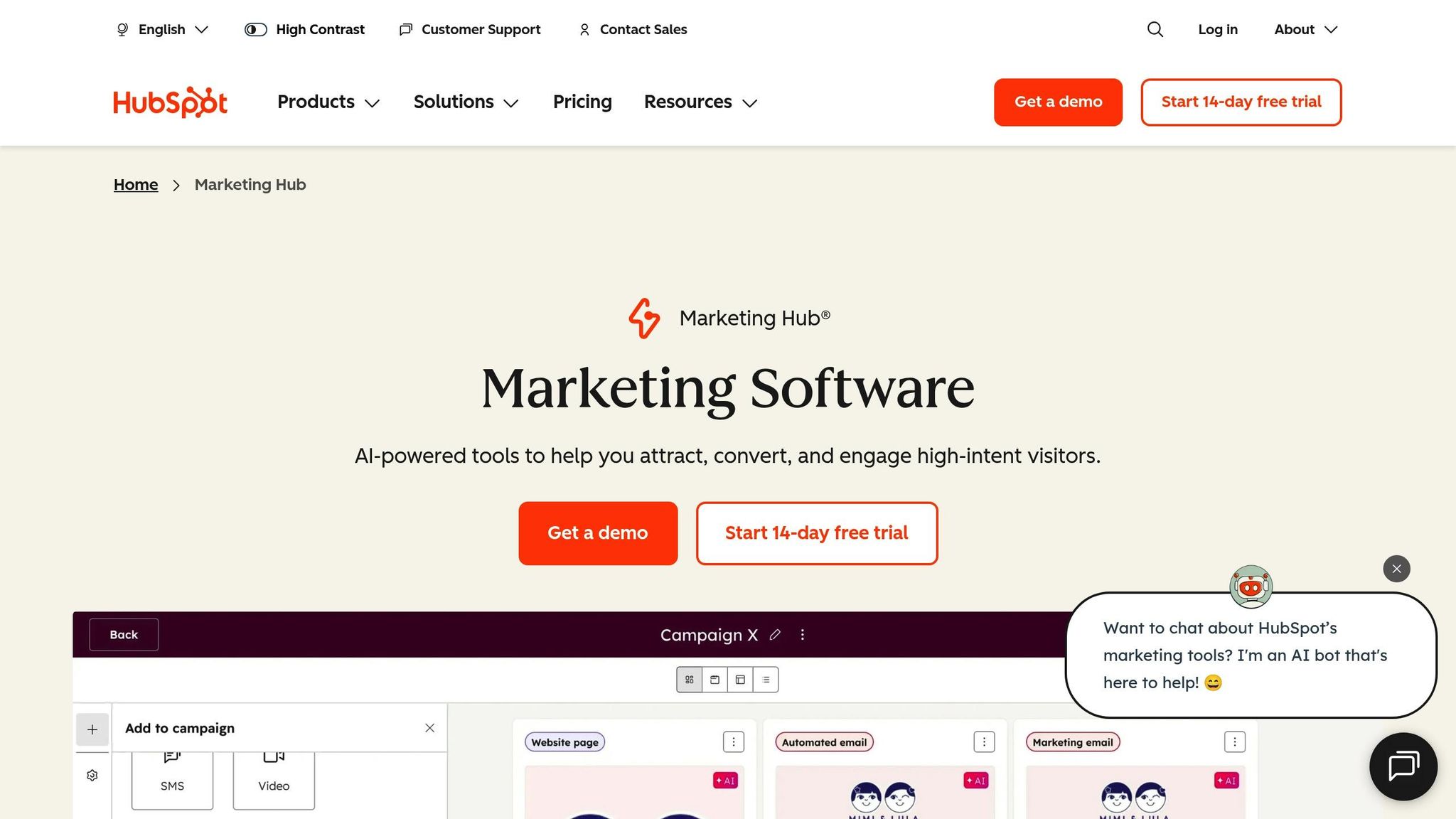
HubSpot Marketing Hub stands out for its ability to handle high-volume campaigns by seamlessly combining email marketing with CRM, landing pages, forms, and chat tools. This integration ensures customer data flows smoothly across your marketing efforts, eliminating the hassle of switching between multiple platforms. The result? A more streamlined approach to scaling your campaigns.
Scalability and Throughput
HubSpot is built for growth, offering support for unlimited contacts and emails. Its segmentation tools allow you to break down large audiences into smaller, targeted groups based on CRM data and user behavior. The platform's drag-and-drop email builder, paired with personalization tokens, makes it easy to craft tailored messages for thousands of recipients efficiently.
Deliverability and Infrastructure
With robust deliverability features, HubSpot supports SPF, DKIM, and DMARC protocols, ensuring your emails reach inboxes reliably. Its analytics dashboard provides real-time insights into bounce rates, unsubscribes, and engagement metrics, helping you address potential issues before they escalate. For U.S. businesses, HubSpot includes tools to comply with CAN-SPAM regulations, such as automated opt-out management, physical address requirements, and subscription preferences. Additionally, its data privacy features help businesses meet regulatory standards.
Automation Depth
HubSpot excels in automation, offering multi-step workflows triggered by actions like email opens, form submissions, website visits, and lifecycle changes. With over 240 pre-built templates, you can quickly launch intricate, personalized campaigns. The platform also supports branching workflows with conditional logic, allowing you to adapt campaigns in real time based on user engagement. Thanks to its integration with CRM, marketing and sales data are unified, enabling automated lead scoring and smooth handoffs to sales teams.
Pricing and Value for High-Volume Use
While HubSpot's pricing may be higher than standalone email tools, its all-in-one suite - including CRM, automation, landing pages, forms, and reporting - can save you the cost and complexity of managing multiple subscriptions. Although the platform can become expensive for very large contact lists, it remains a strong choice for mid-sized and enterprise teams that value advanced automation and end-to-end lifecycle management. Expert reviews consistently place HubSpot among the top email marketing and automation platforms for 2025, highlighting its visual workflow builder, user-friendly editor, and ability to align sales and marketing teams. That said, reviewers do note its steeper learning curve and higher price point compared to simpler alternatives.
3. Klaviyo
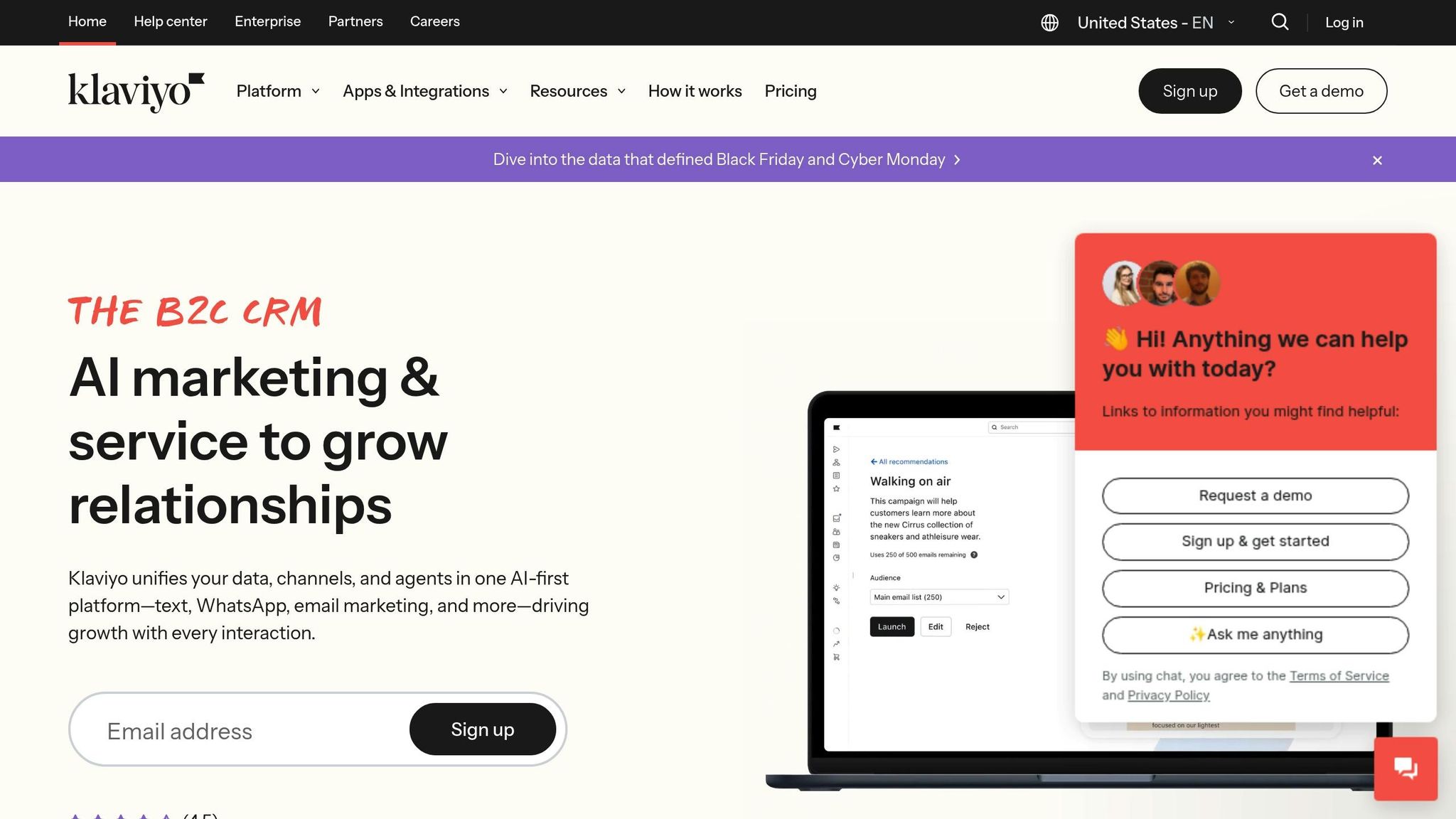
Klaviyo is a platform designed to supercharge email and SMS campaigns for ecommerce businesses. It integrates directly with popular platforms like Shopify, WooCommerce, and Magento, pulling in product catalogs, order history, and customer behavior data to enable advanced automation.
Scalability and Throughput
Klaviyo’s infrastructure is built to handle massive workloads, managing millions of contacts and sending hundreds of thousands of emails per hour during peak times. Its distributed system, combined with automatic queue management and retry logic, ensures campaigns are delivered smoothly, even under heavy demand.
The platform excels in real-time triggers for actions like cart abandonment, browse abandonment, and post-purchase flows. Unlike platforms that rely on batch processing, Klaviyo’s event-based system can handle simultaneous activity from large customer bases - like 500,000 active shoppers - without delays or throttling.
Its segmentation engine is another standout feature. Even with extensive contact lists, you can create highly detailed audience groups, such as "customers who purchased Product A but not Product B in the last 60 days and have a lifetime value over $500." These segments can be applied instantly to campaigns targeting hundreds of thousands of recipients, ensuring precision at scale.
Deliverability and Infrastructure
For businesses with high email volumes, Klaviyo offers dedicated IP addresses on premium plans, giving users control over their sender reputation. It also includes IP warmup programs to gradually increase email volume over four to six weeks, following best practices for deliverability.
Klaviyo works closely with major inbox providers to maintain high deliverability rates. The platform automatically suppresses invalid emails, spam traps, and disengaged contacts to protect your sender reputation. Tools like spam testing, inbox placement checks, and real-time monitoring of bounce rates and complaints give users insights to address deliverability issues proactively.
Ecommerce brands using Klaviyo often achieve inbox placement rates above 95% when following its recommendations, such as engagement-based suppression lists and effective segmentation. The platform supports both marketing and transactional emails - like order confirmations and password resets - on the same infrastructure, streamlining email operations while maintaining reliability.
Automation Depth
Klaviyo’s automation engine is built for ecommerce, offering seamless workflows triggered by customer actions like product views, cart additions, or purchases. Its visual workflow builder allows users to design multi-step flows with branching logic, adjusting messages in real time based on engagement, purchase history, or other customer data.
Pre-built templates for ecommerce use cases - such as welcome series, abandoned cart reminders, and post-purchase upsells - help teams quickly deploy effective campaigns. These templates can be customized to fit specific product catalogs and customer bases. Brands like MVMT and Brooklinen rely on Klaviyo to send hundreds of thousands of automated messages daily, showcasing its ability to handle complex workflows at scale.
Automation goes beyond the basics with Klaviyo. For example, flows can be triggered based on detailed criteria like specific products viewed, cart contents, or predicted customer lifetime value. Dynamic product blocks personalize emails with recommendations based on browsing history or past purchases, keeping messages relevant even for massive audiences.
The platform also integrates email and SMS into unified workflows. A cart abandonment flow, for instance, might send an email immediately, followed by an SMS reminder an hour later if the cart remains abandoned. This multi-channel approach significantly improves recovery rates, with SMS open rates often exceeding 90% for time-sensitive messages.
Data shows that automated flows can account for 30–50% of an ecommerce brand’s email revenue when set up effectively. Optimized abandoned cart flows typically recover 3–5% of carts that would otherwise be lost, while welcome series often achieve open rates of 50–70%. Abandoned cart emails see open rates of 40–60% and conversion rates between 10–30%.
Pricing and Value for High-Volume Use
Klaviyo’s pricing is based on contact count and channel usage. Email-only plans start at approximately $20–$30 per month for up to 500 contacts, $45 per month for 1,500 contacts, and $60 per month for 3,000 contacts. Costs rise into the hundreds of dollars for larger lists, with custom pricing available for enterprise-level users. SMS is billed separately, with credit bundles offered for high-volume senders.
While the pricing may seem steep, many ecommerce brands find it worthwhile due to Klaviyo’s advanced automation, segmentation, and revenue attribution capabilities. These features often lead to higher conversion rates and increased revenue per email, making the platform an investment that pays off for businesses focused on growth.
User feedback on platforms like G2 consistently rates Klaviyo between 4.6 and 4.7 out of 5. Praise often highlights its seamless Shopify integration, robust automation tools, and clear revenue tracking. However, some users mention the steep learning curve for beginners and slower support response times on lower-tier plans as areas for improvement.
4. Brevo
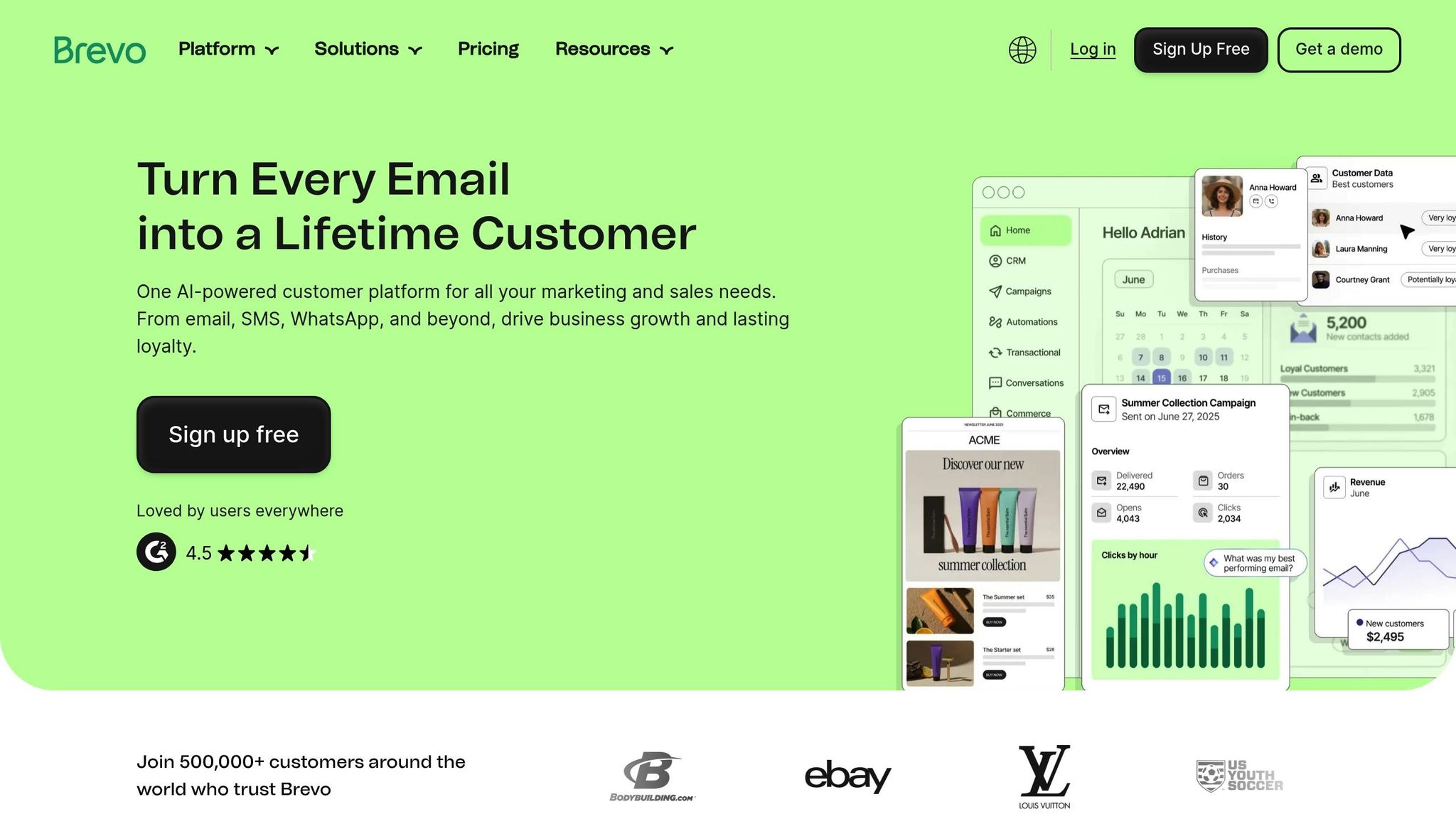
Brevo (formerly Sendinblue) brings together email, SMS, WhatsApp, and an integrated CRM into a single platform, making it a go-to solution for businesses aiming to connect with their audience across multiple channels. This unified approach saves time and eliminates the hassle of juggling separate tools, ensuring you only pay for what you need.
Scalability and Throughput
Brevo stands out with its volume-based pricing model, charging per email sent rather than per contact stored. This structure makes it an economical choice for businesses managing large databases, even if some contacts are inactive. Whether you're running a seasonal campaign like back-to-school promotions or holiday sales, Brevo's pay-as-you-go credit system adds flexibility. Plus, its free plan allows unlimited contacts and up to 300 daily email sends (about 9,000 per month), making it easy to test the platform without upfront costs. Now, let’s see how Brevo ensures reliable delivery at scale.
Deliverability and Infrastructure
Brevo pairs its scalability with robust deliverability, ensuring your marketing emails land in inboxes where they belong. For transactional messages - such as order confirmations, shipping updates, or password resets - the platform offers both API and SMTP relay options to maintain consistent delivery. Basic deliverability monitoring tools track key metrics like bounce rates and spam complaints, helping you safeguard your sender reputation.
Automation Depth
Brevo's visual workflow builder allows you to design multi-step automation sequences triggered by customer actions like visiting a website, opening an email, making a purchase, or submitting a form. This capability simplifies managing high-volume campaigns. Its omnichannel tools enable seamless integration of email, SMS, and WhatsApp into a single workflow. For instance, a cart abandonment sequence might start with an email, followed by an SMS, and then a WhatsApp message. To further enhance performance, Brevo offers AI-powered features like send-time optimization and subject line analysis. Pre-built automation templates - covering scenarios like welcome emails, birthday messages, and re-engagement campaigns - help teams get started quickly, while the built-in CRM improves segmentation for more targeted communication.
Pricing and Value for High-Volume Use
Brevo is especially cost-effective for businesses sending large volumes of emails. Since pricing is based on the number of emails sent rather than the size of your contact list, companies with extensive databases can save significantly. Paid plans start at approximately $25–$30 per month for 20,000 emails, with SMS and WhatsApp messages billed separately based on usage. By integrating multiple channels into one platform, Brevo reduces both complexity and costs. Its combination of affordable pricing, multi-channel functionality, and strong automation tools makes it a popular choice for small to mid-sized businesses aiming to expand their marketing reach. Users often highlight its intuitive drag-and-drop editor and easy-to-understand analytics, making it a practical solution for growing teams.
sbb-itb-645e3f7
5. Mailchimp
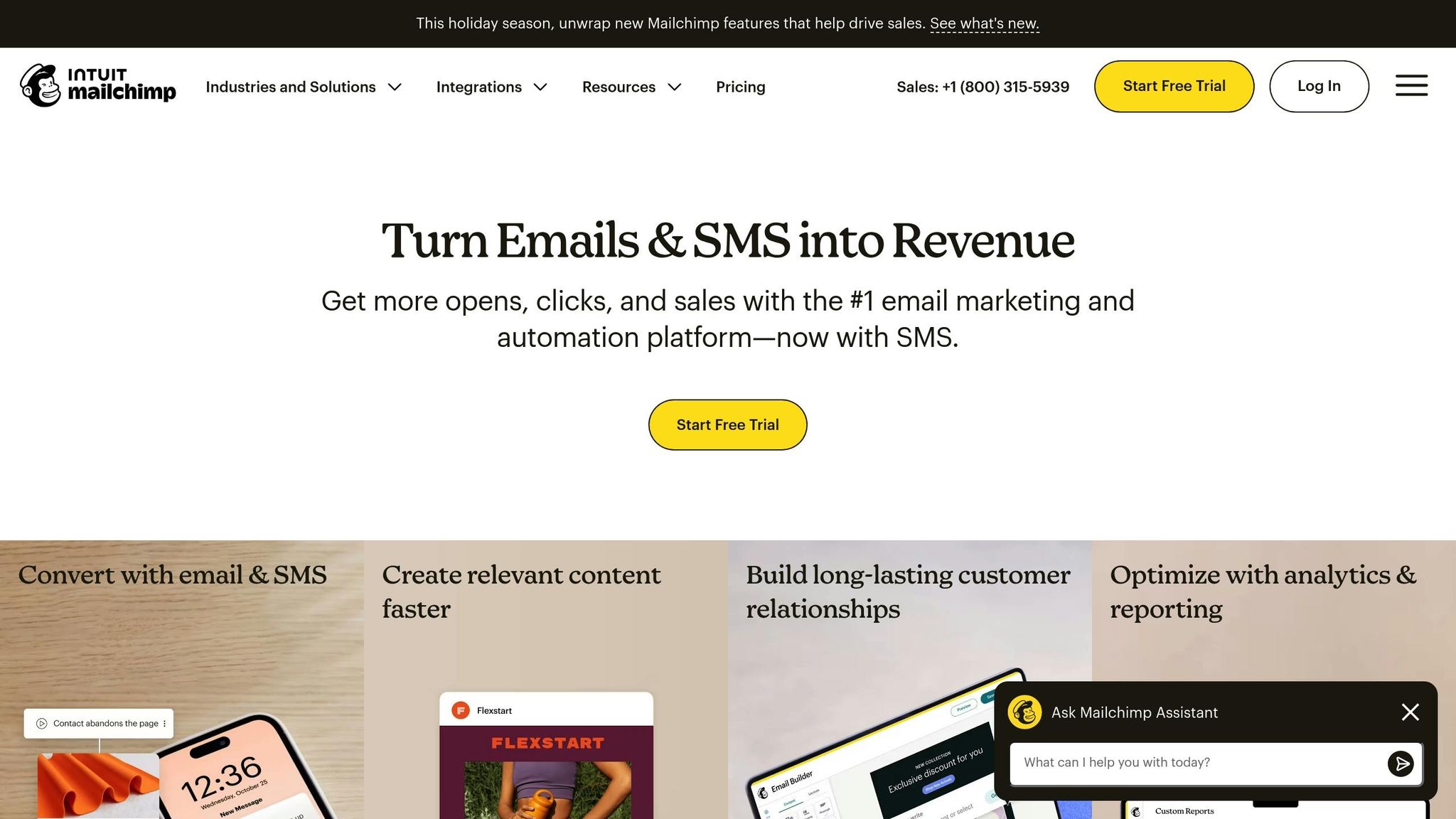
Mailchimp takes a familiar approach to email marketing with a focus on simplicity and scalability. Known for its user-friendly design, this platform is ideal for businesses that value ease of use over complex enterprise features. It’s a great choice for small to medium-sized companies looking to streamline their email operations.
Scalability and Integration
Mailchimp connects seamlessly with over 300 apps, including popular platforms like Shopify, WooCommerce, Stripe, WordPress, and Salesforce. These integrations enable real-time data sharing, making it easier to manage growing operations. With its advanced segmentation tools, Mailchimp allows businesses to target specific customer groups based on predicted demographics like age and gender, helping create more personalized campaigns.
Automation Features
Mailchimp’s automation tools are designed to simplify email marketing. The Customer Journey builder supports key workflows like abandoned cart recovery, post-purchase follow-ups, onboarding sequences, and re-engagement campaigns. There’s also a send time optimization feature that identifies the best times to reach individual subscribers, along with A/B testing options for subject lines, send schedules, and content. However, for marketers seeking more advanced customization, the platform’s conditional logic may feel limited.
Pricing for Growing Businesses
Mailchimp’s pricing is based on the size of your contact list. Paid plans start at around $20 per month for 500 subscribers on the Standard plan. There’s also a free option for up to 500 contacts, which includes up to 2,500 email sends per month, though it excludes advanced automation tools. As your email list grows, costs increase, so it’s worth considering whether Mailchimp remains cost-effective for larger campaigns.
With its drag-and-drop editor, pre-designed templates, and easy-to-navigate interface, Mailchimp makes launching email campaigns a quick and straightforward process. It’s a solid option for businesses focused on scaling their email marketing efforts without diving into overly complex features.
For marketers in the U.S. exploring additional growth tools like landing pages, video creation, or press releases, Content and Marketing (https://content-and-marketing.com) provides a curated list of resources. These include services for content creation, ad management, AI writing, social media tools, and conversion optimization.
6. MailerLite
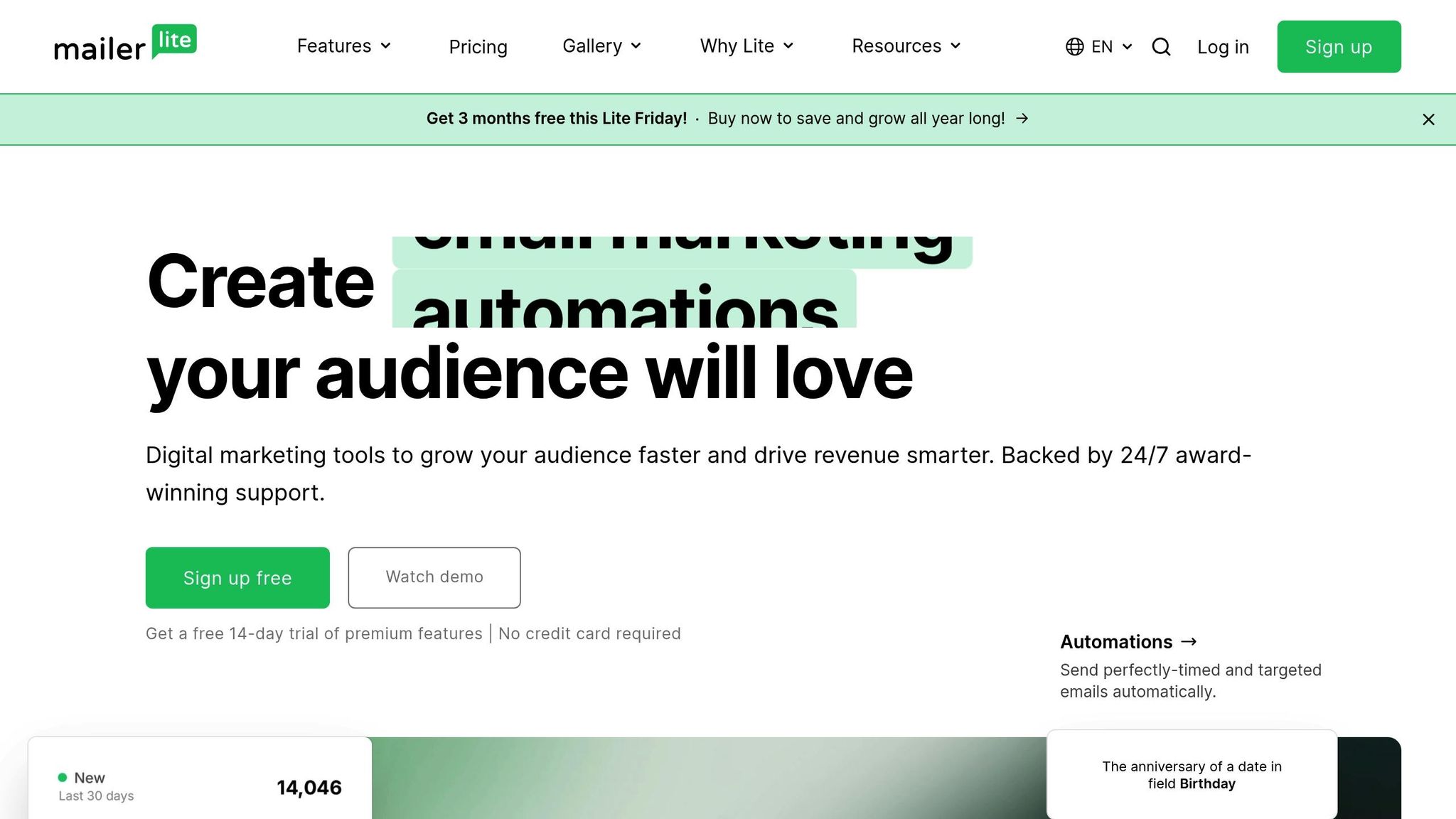
MailerLite is a cost-effective email marketing platform designed for small to mid-sized businesses looking to expand their email operations without the complexity of enterprise-level tools. With a straightforward interface, essential automation features, and built-in landing page tools, it’s a practical choice for U.S.-based businesses aiming to keep monthly expenses in check. Let’s explore how MailerLite performs in terms of scalability, deliverability, automation, and pricing.
Scalability and Throughput
MailerLite comfortably manages subscriber lists ranging from a few hundred to hundreds of thousands. Features like scheduling, batching, and time-zone-based delivery ensure smooth performance, even during bulk campaigns targeting tens of thousands of recipients. For example, businesses running campaigns to 50,000 subscribers can do so without noticeable slowdowns. While MailerLite is a great fit for growing teams, companies handling millions of contacts or requiring extremely high-frequency sends may find its infrastructure limiting over time.
Deliverability and Infrastructure
MailerLite prioritizes email deliverability with strict anti-spam policies, list-cleaning tools, and compliance features like double opt-in and unsubscribe management. It supports authenticated sending through SPF and DKIM protocols and allows the use of custom domains, aligning with industry best practices. While its shared infrastructure meets the needs of most users, those requiring dedicated IP addresses or advanced customization may need a more specialized platform.
Automation Depth
MailerLite’s automation builder is user-friendly and supports triggers like new sign-ups, date-based events, and link clicks. These triggers enable workflows such as welcome emails, lead nurturing, and basic behavior-based campaigns. For instance, ecommerce businesses can create abandoned cart reminders, service providers can schedule appointment follow-ups, and content creators can automate subscriber onboarding. Its visual workflow editor is intuitive enough for small teams without dedicated marketing specialists. However, the platform lacks more advanced functions like complex branching logic, detailed event tracking, or multi-channel automation.
Pricing and Value for High-Volume Use
MailerLite is known for its affordable pricing, with paid plans starting at around $9–$10 per month for smaller lists. It also offers a free plan for up to 1,000 subscribers, making it an excellent option for startups testing email marketing before committing to a paid plan. As subscriber lists grow into the tens of thousands, its pricing remains competitive compared to many legacy providers, helping maintain ROI for high-volume campaigns. The inclusion of landing pages, forms, and basic automation tools in the subscription adds further value. However, for businesses operating at very large scales, the lack of enterprise-level features like advanced segmentation or detailed revenue attribution may outweigh these cost savings.
MailerLite frequently appears on "best email marketing platform" lists for 2024–2025, with user ratings averaging 4.6–4.7 out of 5 stars on major review sites. Customers praise its simplicity, reliable deliverability, and responsive customer support. However, power users often point out that its features may fall short for teams managing multi-brand campaigns or requiring highly personalized, omnichannel strategies. For U.S.-based marketers, MailerLite offers a low-cost, easy-to-use solution for newsletters, simple funnels, and basic lifecycle campaigns. But for rapidly scaling businesses with advanced segmentation or cross-channel needs, an enterprise-grade platform may eventually become necessary.
To make the most of MailerLite while preparing for future growth, consider these tips: centralize list management using its integrated forms and landing pages, organize subscribers with clear tags and segments to simplify potential migrations, and connect the platform with essential systems to build a solid data foundation.
7. SendGrid
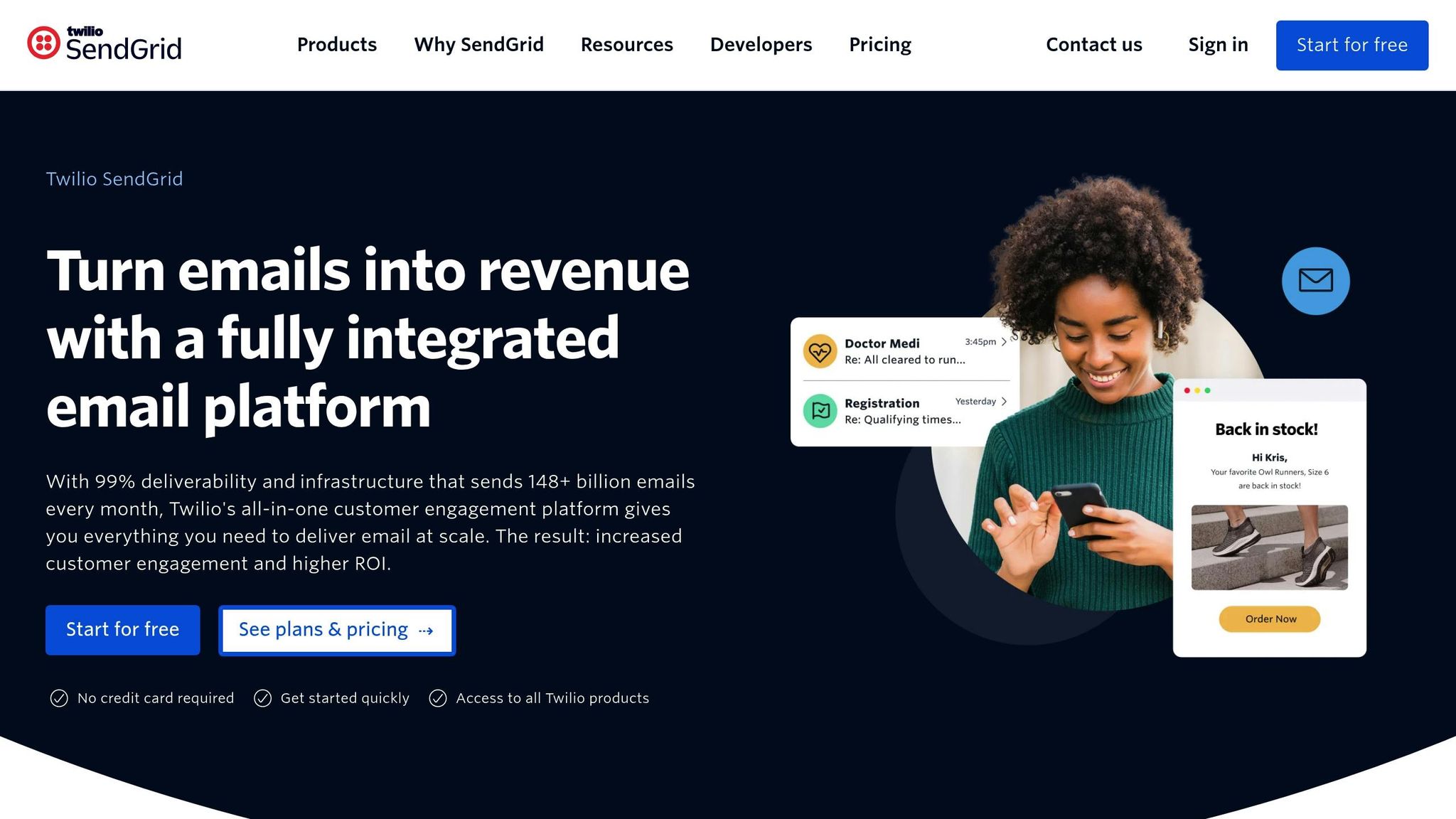
SendGrid is a cloud-based email delivery platform designed for businesses that need to send millions of emails daily with consistent reliability. Unlike all-in-one marketing suites, SendGrid focuses on being the infrastructure backbone, supporting both transactional and high-volume marketing emails. Major companies like Uber, Airbnb, Spotify, and Instacart trust SendGrid to manage their email operations at scale, making it a go-to option for teams that prioritize data and performance.
SendGrid handles billions of emails every day for over 80,000 paying customers worldwide. Its developer-friendly, API-driven design ensures top-notch deliverability, uptime, and integration flexibility, catering to businesses that value functionality over flashy campaign builders.
Scalability and Throughput
SendGrid's infrastructure is built to handle peak demand with ease. Its cloud-based architecture uses distributed data centers and load balancing to maintain performance during high-traffic periods. Businesses can scale seamlessly from tens of thousands to millions of monthly emails without having to overhaul their email systems. This is made possible by its high-throughput SMTP relay and REST APIs.
The platform's API-driven features include rate limiting controls and subuser accounts, which are particularly useful for agencies or companies managing multiple brands. These tools help isolate sender reputations for each brand, which is crucial for maintaining effective email campaigns. SendGrid also boasts a 99.99% uptime SLA for enterprise customers, ensuring critical communications are delivered even during technical hiccups. This robust infrastructure underpins its reputation for reliable email delivery.
Deliverability and Infrastructure
SendGrid is designed to prioritize deliverability, helping businesses achieve strong inbox placement. It manages sender reputation, tracks bounces, and processes feedback loops. The platform supports custom DKIM, SPF, and DMARC configurations, along with deliverability consulting to ensure compliance with regulations like CAN-SPAM. Businesses can choose between shared and dedicated IPs - shared IPs are suitable for smaller volumes, while dedicated IPs are recommended for those sending over 100,000 emails per month.
Additional features like domain authentication assistance, suppression list management, and real-time activity tracking (covering bounces, spam reports, and blocks) provide clear visibility into email performance. Redundant data centers further ensure that critical email flows are never disrupted.
Automation Depth
SendGrid pairs its scalable infrastructure with simple automation tools. Its Marketing Campaigns feature supports common workflows like welcome emails for new subscribers, date-based triggers for events like birthdays, and re-engagement campaigns for inactive users. The visual workflow editor can handle up to 1 million contacts on standard plans and includes A/B testing to optimize subject lines and content.
For straightforward needs like drip sequences or basic behavioral triggers - such as following up on a clicked link - SendGrid’s built-in automation is a solid option. For more advanced automation, businesses often integrate SendGrid with dedicated platforms like Salesforce or customer data tools. This approach allows SendGrid to focus on reliable email delivery while other systems handle complex engagement strategies.
Pricing and Value for High-Volume Use
SendGrid’s pricing is based on email volume rather than contact count, which can be cost-effective for businesses with large contact lists but lower sending frequencies. For example, a company with 2 million contacts that emails 500,000 subscribers monthly could save money compared to platforms that charge by contact tiers.
The free plan includes up to 6,000 emails per month and 2,000 contacts, making it a good starting point for testing. The Essentials plan starts at $19.95 per month for up to 50,000 emails, while advanced plans with features like subuser management and detailed analytics range from $60 to $90 per month for up to 100,000 emails. Dedicated IPs are available as an add-on, and enterprise contracts offer volume discounts that can rival the cost of in-house solutions.
SendGrid is rated between 4.0 and 4.3 stars on G2. Users appreciate its reliable deliverability, strong APIs, and detailed event tracking, though some feel its Marketing Campaigns interface could use improvement compared to newer tools.
For growing businesses in the U.S., SendGrid is particularly effective when email is closely tied to app behavior. Whether it’s SaaS platforms sending usage alerts, retail apps delivering order confirmations during busy seasons, or marketplaces managing both transactional and promotional emails, SendGrid delivers. Implementation involves connecting via SMTP relay or REST API, setting up SPF, DKIM, and DMARC, and gradually warming up IPs by focusing on high-engagement segments before expanding to less active lists.
To maintain strong deliverability, it’s crucial to practice good list hygiene. This includes using double opt-ins, suppressing unengaged contacts, and avoiding purchased lists. Monitoring engagement metrics across mailbox providers helps refine sending strategies and protect sender reputation over time.
Tool Comparison Table
Here’s a side-by-side comparison of some of the top email automation tools, highlighting their key features and pricing.
| Tool | Automation Capabilities | Scalability | Starting Price (USD/month) | Best For |
|---|---|---|---|---|
| ActiveCampaign | Offers a visual workflow builder with branching logic, lead scoring, CRM integration, behavioral triggers, goal tracking, and split testing. Perfect for creating complex customer journeys. | Designed to scale with businesses, from small teams to mid-market, supporting advanced multi-step workflows and CRM growth. | Starts at $19/month (Lite plan includes core automation, email sequences, tagging, and basic CRM features). | SMBs and B2B companies needing advanced automation and CRM for lead nurturing. |
| HubSpot Marketing Hub | Features a drag-and-drop email builder, personalization tokens, advanced workflow automation, A/B testing, and multi-channel tools like landing pages and chatbots. | Scales from startups to enterprises, integrating CRM, email, and other channels into one platform. | Free tier available; paid plans start at $20/month, with higher-tier plans for larger teams. | Teams looking for a unified marketing and sales platform. |
| Klaviyo | Focused on ecommerce, offering event-based automation, cart recovery, product recommendations, predictive analytics, and AI-driven workflows. | Built for high-growth ecommerce brands, scaling with subscriber count and delivering strong performance. | Free plan for smaller lists; paid plans begin at $45/month and increase with list size. | Ecommerce businesses on platforms like Shopify or WooCommerce. |
| Brevo | Provides intuitive workflows, email/SMS/WhatsApp integration, behavioral triggers, and multi-channel orchestration. | Supports unlimited contacts even on lower tiers, with pricing based on email volume rather than list size. | Free plan with a 300 emails/day cap; paid plans start around $8–$9/month. | Businesses with large lists and varying sending patterns seeking affordable multi-channel automation. |
| Mailchimp | Includes multi-step automation, customer journey builder, advanced segmentation, send time optimization, and A/B testing. Over 300 app integrations available. | Scales well for small to mid-sized businesses, though costs can increase with larger volumes. | Free or low-cost entry plans for small lists; paid plans start at $20/month for around 500 subscribers. | Small businesses and creators looking for a versatile platform with extensive integrations. |
| MailerLite | Offers a drag-and-drop automation builder, A/B testing, landing pages, and forms for basic behavioral workflows. | Cost-effective scaling with a generous free tier and affordable paid options. | Free plan for up to 1,000 subscribers; paid plans start at $9–$10/month. | Small to mid-sized businesses needing simple automation and an easy-to-use interface. |
| SendGrid | Developer-focused with APIs for custom workflows, basic marketing automation, and a visual workflow editor with A/B testing. | Optimized for very high-volume sending, supporting millions of emails monthly with robust deliverability tools. | Free tier for low volumes; paid plans start at $19.95/month for up to 50,000 emails, with advanced plans ranging from $60 to $90/month. | SaaS, apps, and platforms requiring high-volume transactional and marketing email via API. |
Here’s a quick summary of standout features for each tool:
- ActiveCampaign: Ideal for SMBs and B2B with its advanced automation and CRM integration.
- HubSpot Marketing Hub: Combines email automation with tools like landing pages and CRM for a unified experience.
- Klaviyo: Tailored for ecommerce, offering predictive analytics and deep behavioral automation.
- Brevo: Budget-friendly multi-channel automation with pricing based on email volume.
- Mailchimp: A versatile platform with over 300 integrations, great for small businesses and creators.
- MailerLite: Affordable and straightforward, with a generous free tier for smaller senders.
- SendGrid: API-first platform for handling millions of emails monthly, perfect for high-volume transactional needs.
Each of these tools is designed to meet the specific needs of US-based businesses, ensuring reliability and strong deliverability regardless of scale or industry.
Conclusion
Selecting the best email automation tool boils down to your specific business needs, growth expectations, and budget.
Here’s a quick rundown of the top contenders: ActiveCampaign is ideal for SMBs and B2B companies, offering advanced workflows and CRM features starting at $19/month. HubSpot Marketing Hub integrates email, CRM, landing pages, and more, beginning at $20/month. If you're in ecommerce, Klaviyo stands out with Shopify and WooCommerce integrations, starting at $45/month. Brevo is a budget-friendly option with multi-channel capabilities at $8–$9/month and unlimited contacts. Mailchimp combines simplicity with 300+ integrations for $20/month (500 subscribers), while MailerLite caters to startups with a generous free plan and pricing around $9–$10/month. Lastly, SendGrid is the go-to for high-volume senders needing API-first infrastructure, priced at $60/month.
To make the right choice, consider these key factors: Estimate your contact list growth over the next 12–24 months and calculate the total cost at those volumes. Ensure the platform integrates seamlessly with your current tools - whether it’s your CRM, ecommerce platform, analytics tools, or CMS. Strong integrations minimize manual tasks and allow for sophisticated multi-channel campaigns, which are essential for scaling.
Take advantage of free trials to test automation features, deliverability, and reporting capabilities. Once satisfied with a tool's performance, plan how it fits into your long-term marketing strategy.
As you expand beyond email automation, directories like Content and Marketing can help you discover tools for SEO, content creation, social media management, and more.
Ultimately, the right email automation tool should align with your business model, scalability goals, and your team’s skill set. With the proper platform in place, you’ll be ready to nurture leads, engage your audience, and drive revenue effectively.
FAQs
What should I consider when selecting the right email automation tool for my business and budget?
Choosing the right email automation tool comes down to your business's size, objectives, and budget. Start by pinpointing what you need most - whether it's handling large-scale email campaigns, segmenting your audience, diving into analytics, or syncing with other tools you already use. Don’t overlook how user-friendly the platform is or whether it can grow alongside your business.
Take a close look at pricing plans to make sure they align with your budget. Many tools offer tiered options based on subscriber count or monthly email volume. To make an informed decision, take advantage of free trials or demos to explore features firsthand. Picking the right tool can save you time, simplify your processes, and set the stage for expanding your campaigns with ease.
What should I look for in an email automation tool to ensure it can scale with my growing subscriber list?
When selecting an email automation tool that can keep up with your business's growth, focus on features designed to handle expanding subscriber lists and large-scale campaigns. Start by considering tools with pricing plans that scale based on the size of your audience, ensuring you only pay for what you need. You'll also want a platform with a strong infrastructure capable of managing high email volumes smoothly and advanced segmentation options to tailor messages to specific audience groups.
It's equally important to choose a tool that offers detailed analytics and reporting so you can monitor campaign performance effectively. Look for integration capabilities with your CRM or other essential marketing tools to streamline your workflow. Lastly, opt for platforms with flexible automation workflows that can adapt as your business requirements change. These features will ensure your email automation system stays efficient and aligns with your growth.
How can I seamlessly connect an email automation tool with my CRM and ecommerce platforms?
To successfully link an email automation tool with your CRM and ecommerce platforms, the first step is to confirm that the tool offers direct integrations or APIs compatible with your specific systems. Most tools come with detailed guides or plugins to make the setup process easier.
After establishing the connection, sync key customer data - like contact information, purchase history, and preferences. This ensures you can run personalized, automated campaigns effectively. Be sure to test the integration thoroughly to confirm that data transfers smoothly and that automated triggers, such as abandoned cart emails or follow-ups, work as intended. For more complex setups, you can always refer to the tool’s support team or documentation for guidance.